HelpDocs.io Alternative No-Code Simplicity Over Technical Complexity
Tired of HelpDocs.io' technical requirements and complex customization? HelpKit delivers beautiful, professional help centers through Notion's intuitive interface - no coding required.
Common HelpDocs.io Pain Points:
- HelpDocs.io requires CSS, JavaScript, and HTML knowledge for meaningful customization
- Complex template system that needs technical expertise to modify
- Steep learning curve for content creators who aren't developers
- Limited content organization compared to Notion's database capabilities
- Time-consuming setup process requiring technical configuration

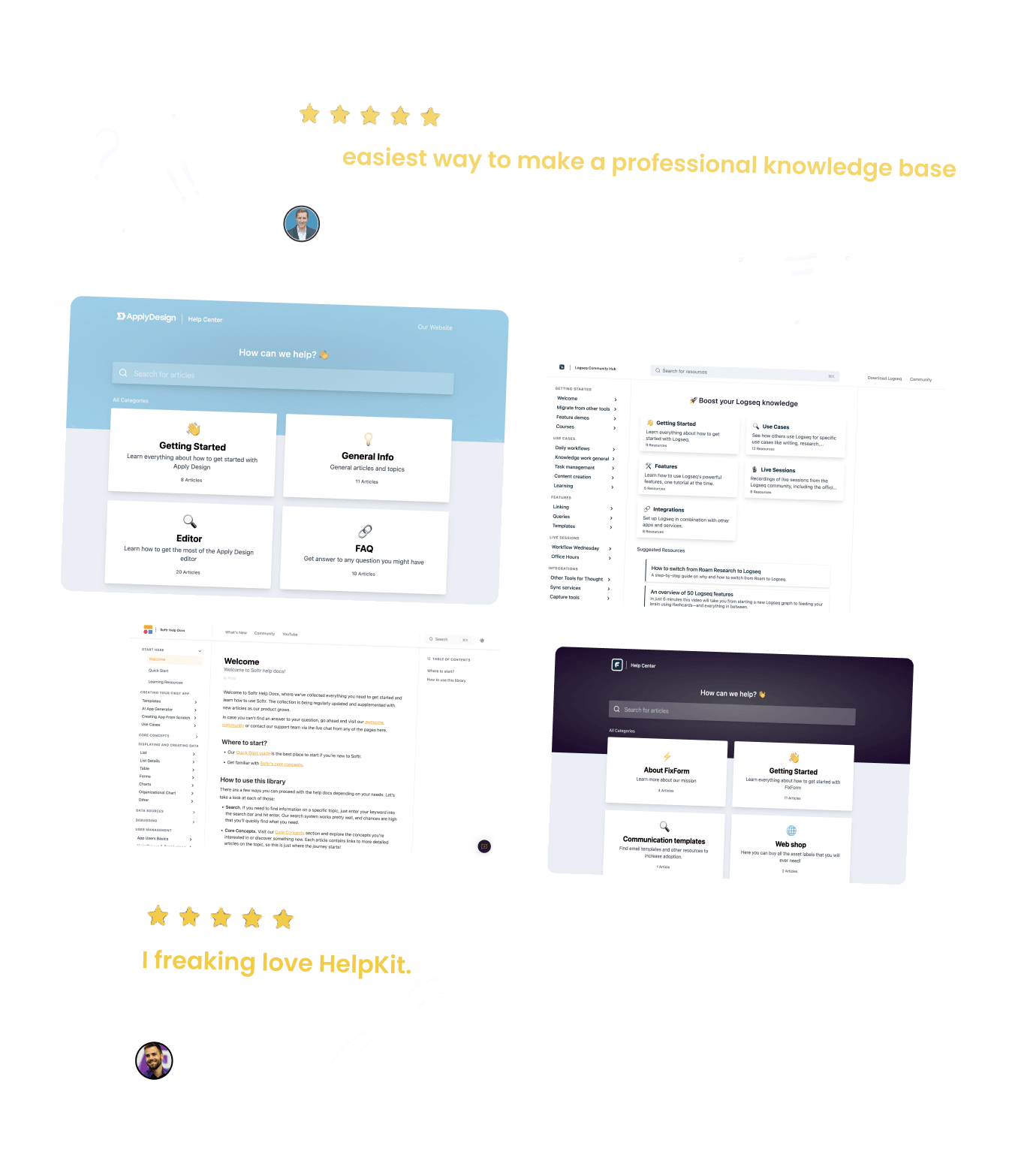
The Best Companies Are Using HelpKit







The ultimate alternative to HelpDocs.io for
customer support
Unlike HelpDocs.io, HelpKit is specifically optimized for creating help centers and documentation sites and comes with everything you need to run a professional customer support operation: Search engines can easily find your help articles, full-text & AI search bar, article analytics, embeddable widget and much more.
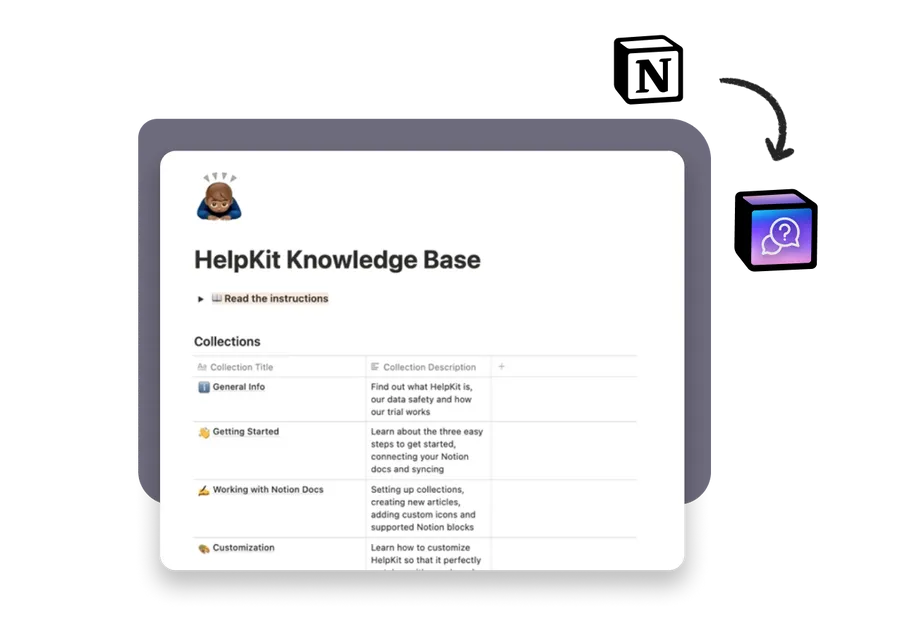
 Powered by Notion
Your content stays in Notion
 Professional Look
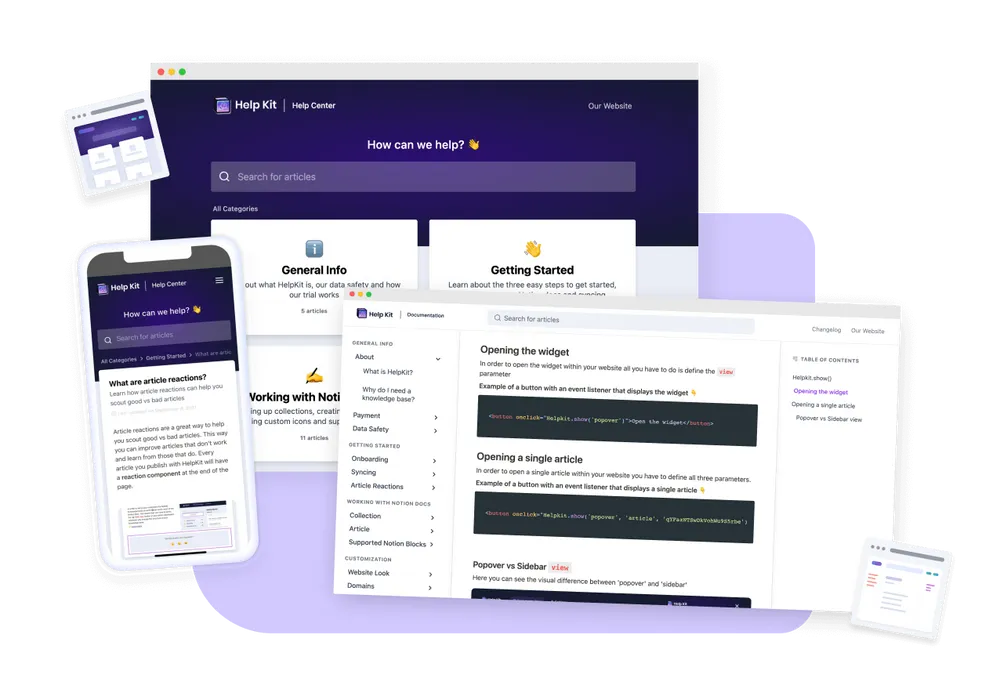
Blow away customers by how professional HelpKit looks
From an integrated table of contents to image previews, everything is designed to deliver an unmatched user experience. Unlike potentially unrefined pages with distracting URLs and links, HelpKit ensures a clean, professional interface that your customers will love.
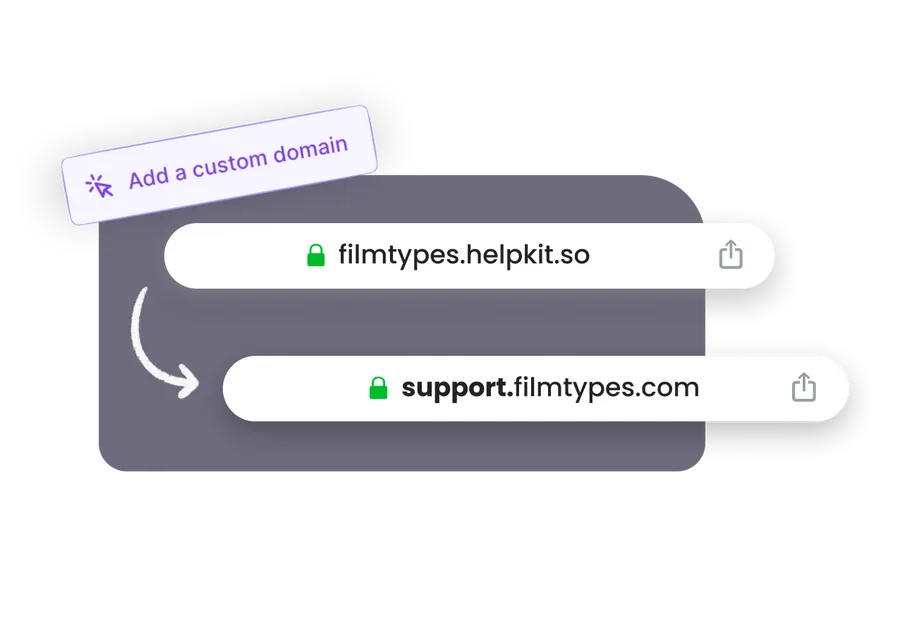
 Custom Domain
Connect your custom domain
Make it match your brand by connecting your own subdomain so that it looks like support.piedpiper.com
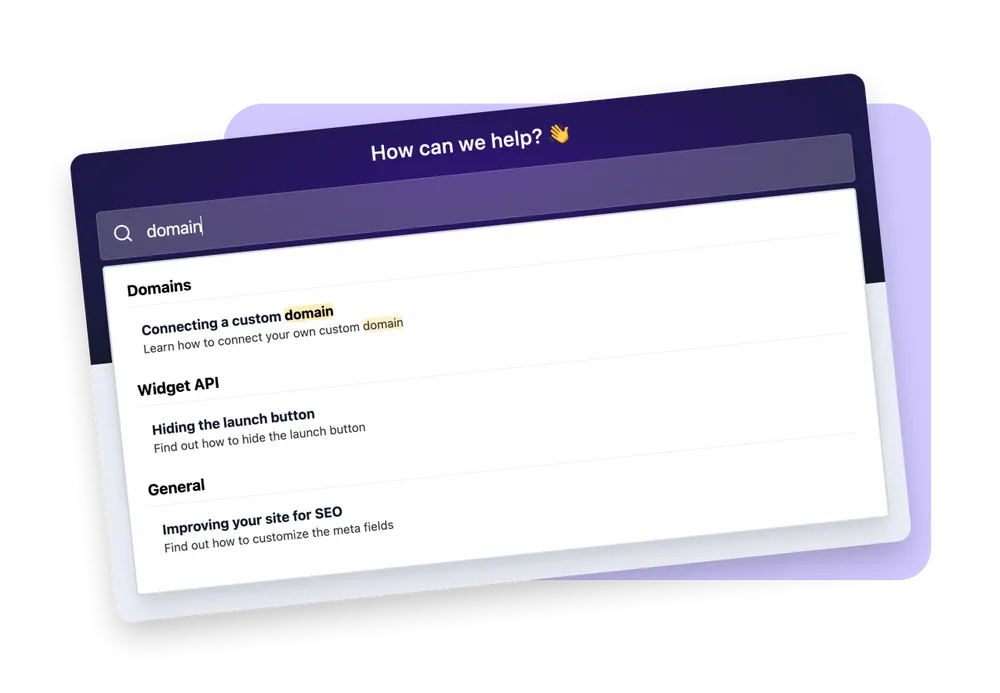
 Powerful Search
Comes with full-text search – supercharged by AI
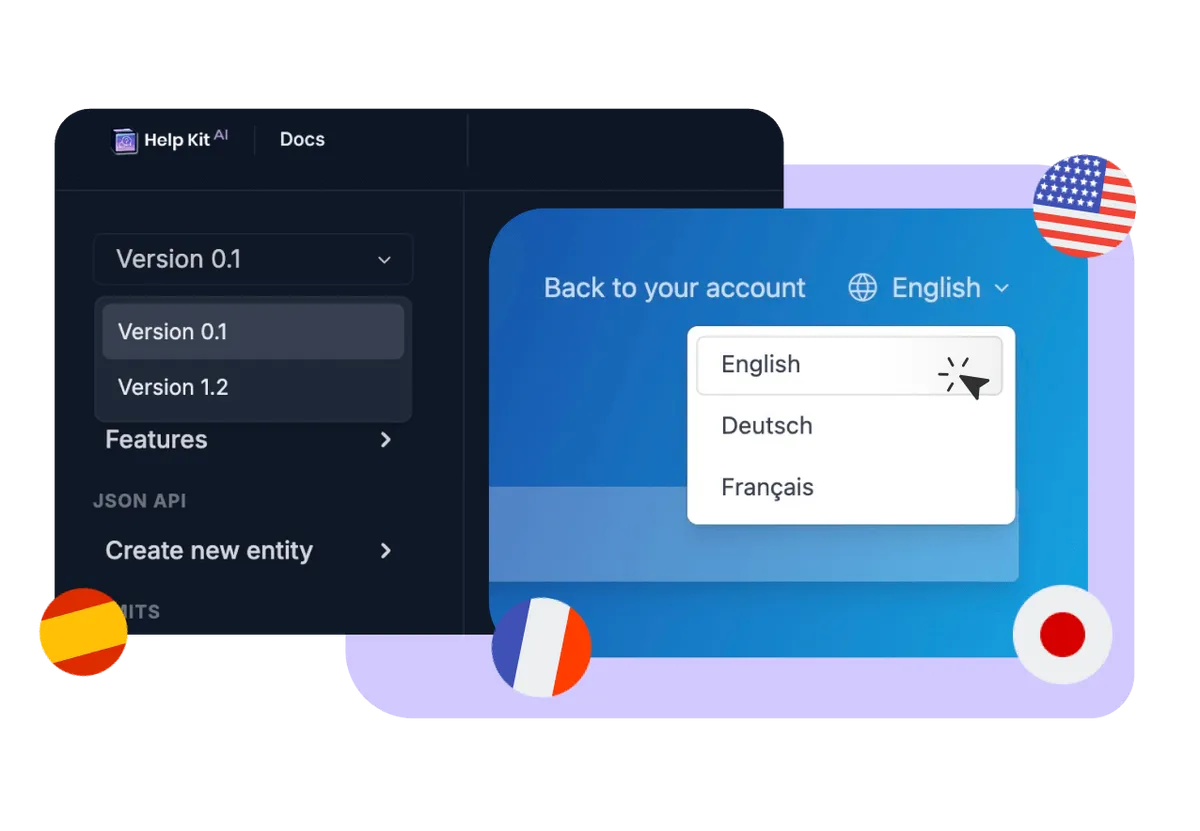
 Multi-Language & Versions
Present your knowledge base in multiple languages
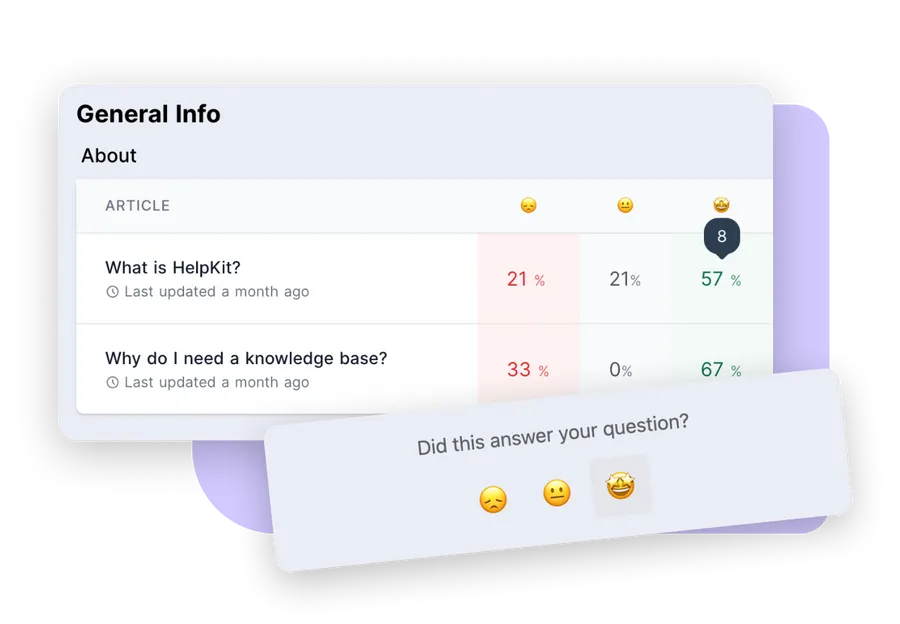
 Analytics
Optimize your help articles
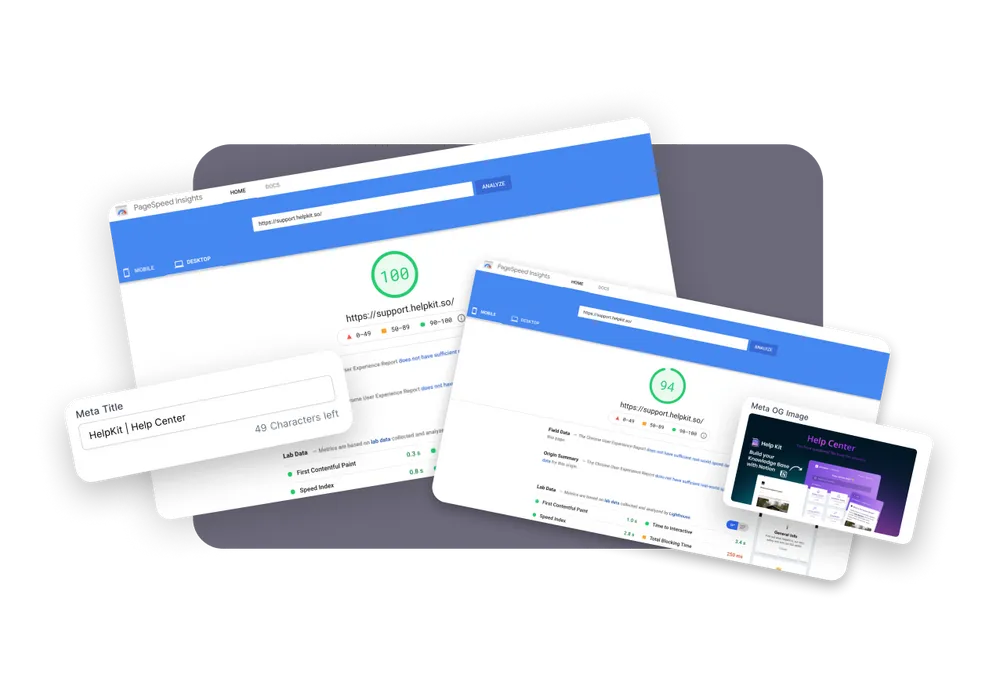
 SEO
SEOMade for SEO
We cache your Notion data to serve your customers the fastest knowledge base site on earth and keep your site up even when Notion is down. Another amazing side benefit: Google, Bing and other search engines love to rank our fast websites.
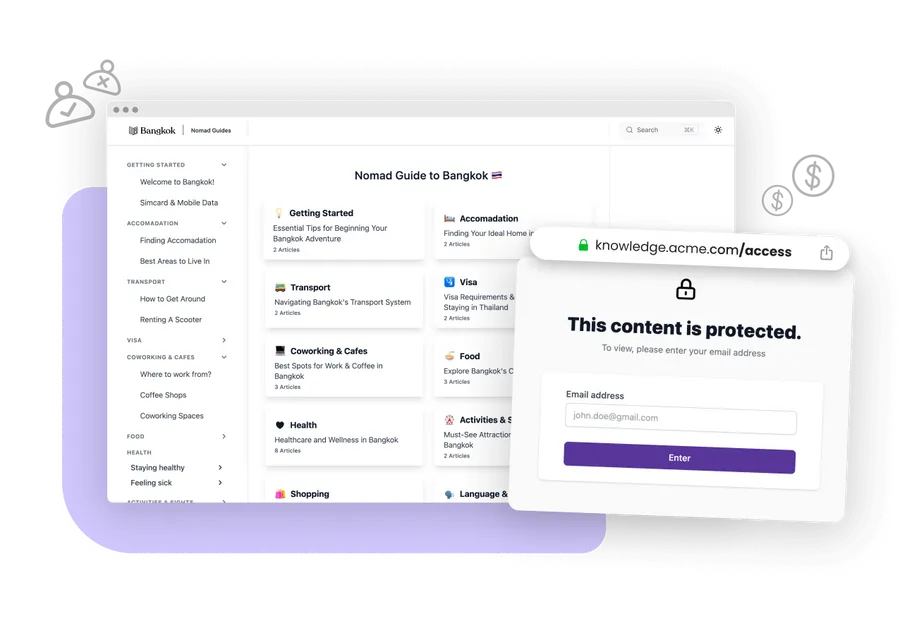
 Gated Content
Protect access to your knowledge base
 Integrations
Integrate flawlessly with the systems you rely on



I love using Notion to write articles and then HelpKit takes care of the rest. It’s easy and beautiful. The help widget and analytics works great and is worth the price all on its own. Even if you haven’t used Notion, you’ll pick it up super fast and you’ll love how easy it is to update your articles.

Testimonial from Fred Cutler
CEO at
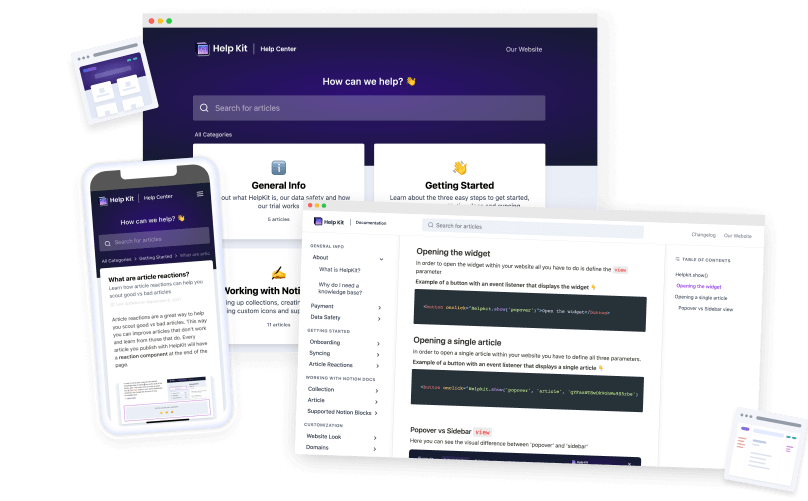
Standalone Center
Create a public or internal protected help center or documentation site with your own domain, custom appearance and SEO optimization
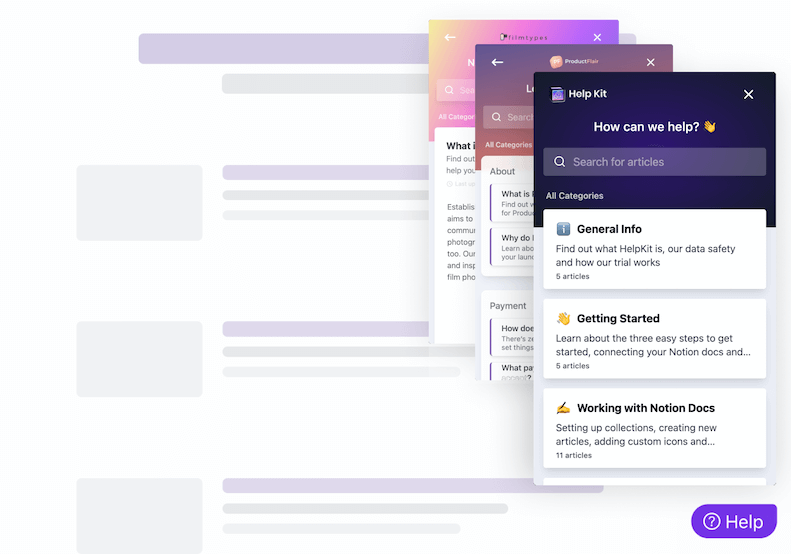
Embeddable Widget
Install our widget on your web/mobile app so users can get their answers quickly in context. Learn more about our embeddable widget and mobile app SDKs
Compare
HelpKit vs HelpDocs.io
Let's have a look how HelpKit outperforms HelpDocs.io feature by feature.
| Features | HelpKit | HelpDocs.io |
|---|---|---|
| Technical Requirements | No coding knowledge needed | Requires CSS, JavaScript, HTML skills |
| Customization Approach | Visual customization through settings | Code-based template modification |
| Content Creation | Native Notion experience | Proprietary editor with limitations |
| Learning Curve | Use familiar Notion interface | Learn custom template system |
| Setup Time | 5 minutes - connect Notion | Complex template configuration |
| Content Organization | Notion's powerful database structure | Basic hierarchical organization |
| Team Accessibility | Anyone can contribute via Notion | Technical team needed for changes |
| Maintenance | No template maintenance required | Ongoing template updates and fixes |
| AI Features | Built-in AI search and assistance | Basic AI drafting with complex setup |
The part most comparisons skip
Your team could just write the docs in Notion
Before you pick a docs platform, consider the reframe: your team probably already writes in Notion. Meeting notes, specs, internal docs, it's all there. The knowledge your help center needs mostly exists, in a tool everyone already knows how to edit.
That changes the question from "which platform should we learn and maintain" to "why not publish what we already write?" HelpKit takes your Notion pages and adds the professional layer on top: your domain, full-text search, AI answers, analytics, and an embeddable widget. Nobody learns a new editor, docs never drift from where your team actually works, and updating your help center is editing a Notion page.


"With Helpkit we literally went from 0 to fully functional knowledge-base in 1 hour! The best thing about Helpkit is it allows my non-technical co-founder to do 95% of the work and manage our knowledge-base. We signed up because of how beautiful and well-designed the product is!"
Testimonial from Dan Kelly, CEO at Adjust Square.
Showcase
Check out our happy customers
who are using
HelpKit
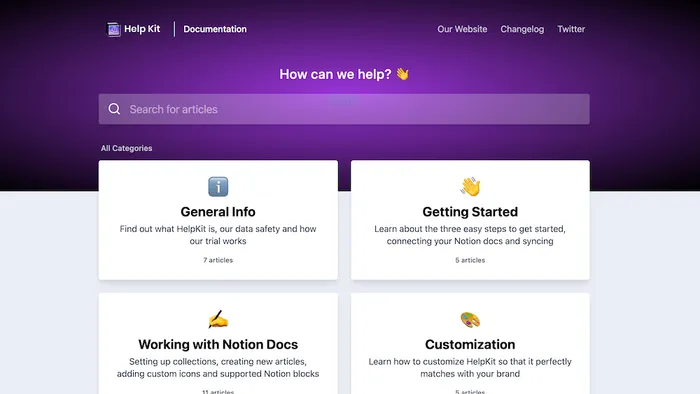
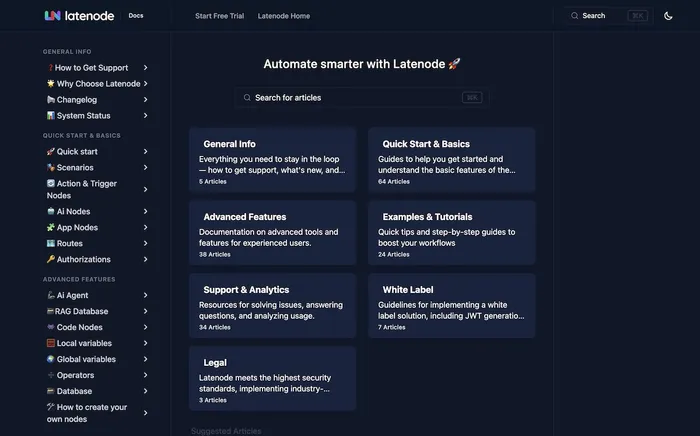
 Help Center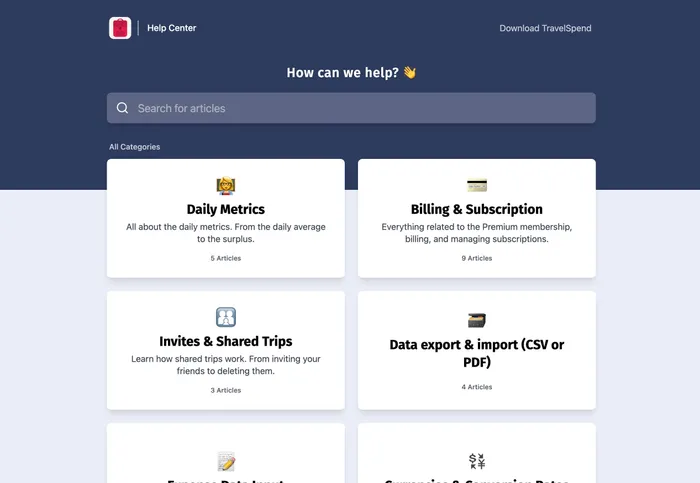
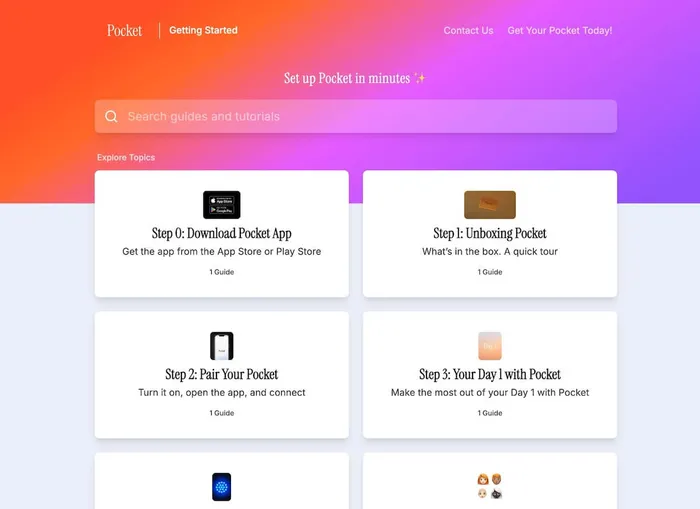
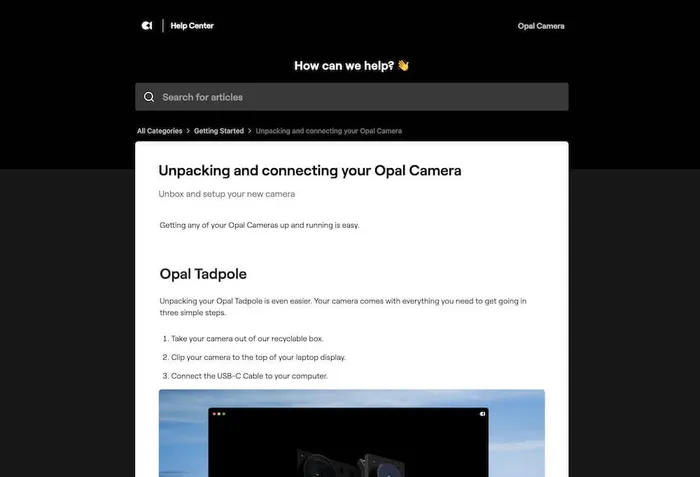
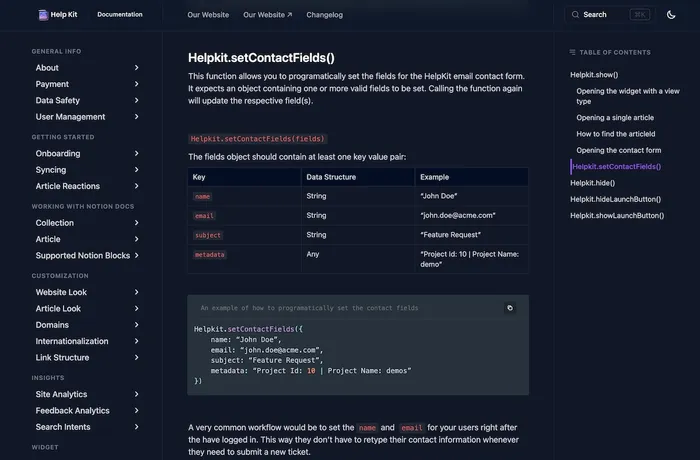
 Documentation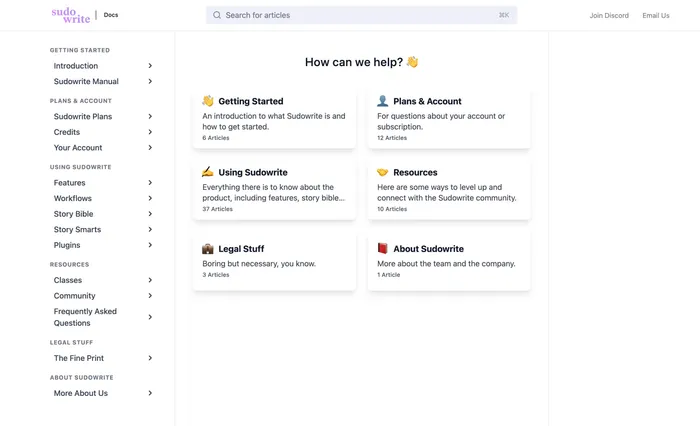
You are using HelpKit and want to get listed here? Shoot us an email 🫡
Free 7 day trial. No credit card required.
Testimonials
Join Hundreds Of Happy Customers
See what others say about us on the world wide web 🥰
🚀 Stop wasting time with outdated help center software
Watch Dominik create a full help article using Notion + ChatGPT in under 5 minutes. No clunky and bloated help center software. No formatting headaches. Just a fast, clean workflow that actually works.
👉 What you'll learn:
Want to migrate from HelpDocs.io?
We'll seamlessly import your existing content from HelpDocs.io into our powerful Notion-based help center. Our migration experts handle everything so you can focus on what matters most.
Lightning Fast
Complete migration in 2-3 days
100% Accurate
Preserve all formatting & structure
Zero Hassle
We handle everything for you
Frequently asked questions
You have questions about how HelpKit compares as a HelpDocs.io alternative? 🤔 We have the answers. If you can't find the answer you are looking for simply reach out.
- Why choose HelpKit over HelpDocs.io' technical approach?
- HelpKit eliminates the need for CSS, JavaScript, and HTML knowledge that HelpDocs.io requires for customization. While HelpDocs.io demands technical expertise for meaningful changes, HelpKit delivers professional results through simple visual settings and Notion's intuitive interface.
- How does content creation compare between HelpKit and HelpDocs.io?
- HelpKit uses Notion's powerful editor with rich formatting, multimedia, databases, and collaborative editing. HelpDocs.io has a basic editor that requires technical knowledge for advanced formatting. Notion's content creation capabilities far exceed HelpDocs.io' proprietary system.
- Is HelpKit easier for non-technical teams than HelpDocs.io?
- Much easier! HelpDocs.io requires technical team members for customization and template changes. HelpKit works with Notion that any team member can learn and use effectively. No technical barriers prevent your team from creating great documentation.
- How does HelpKit's customization compare to HelpDocs.io' template system?
- HelpKit provides professional customization through visual settings - no coding required. HelpDocs.io requires writing CSS, JavaScript, and HTML for anything beyond basic changes. HelpKit delivers beautiful results without the technical complexity.
- Can HelpKit match HelpDocs.io' advanced features without complexity?
- Yes! HelpKit provides custom domains, SEO optimization, analytics, AI search, and branding without requiring technical implementation. HelpDocs.io' advanced features often need custom coding, while HelpKit includes them out of the box.
- How does setup time compare between HelpKit and HelpDocs.io?
- HelpKit takes 5 minutes to connect your Notion workspace and go live. HelpDocs.io requires configuring templates, setting up custom CSS/HTML, and technical implementation that can take days or weeks. HelpKit eliminates this complexity entirely.
- What about long-term maintenance - HelpKit vs HelpDocs.io?
- HelpKit requires no template maintenance since it works directly with Notion's proven platform. HelpDocs.io templates need ongoing updates, bug fixes, and technical maintenance. With HelpKit, you focus on content, not platform maintenance.
About HelpKit
I want you to deal with less support and
make your knowledge base work for you

Hey 👋
I’m Dominik, the founder of
HelpKit.
There are already a couple of knowledge base softwares out there to help you improve your customer support. And while most of them are certainly doing a good job, are they actually making use of the best content management system in the world?
I have been using Notion for a few years now. It's an
amazing tool for storing and organizing all of my company's knowledge
and documentation. After a while, I realized that I need something
that I can expose to my customers. I didn't want to leave Notion.
Furthermore, it should feel similiar to tools such as Intercom or
Zendesk.
Since I couldn't find the right solution –
I built HelpKit. Sure, you can publish your Notion
page on its own but it might come across as unprofessional. The messy
Notion url, distracting links pointing to Notion and the lack of
customizability are just a few disadvantages...
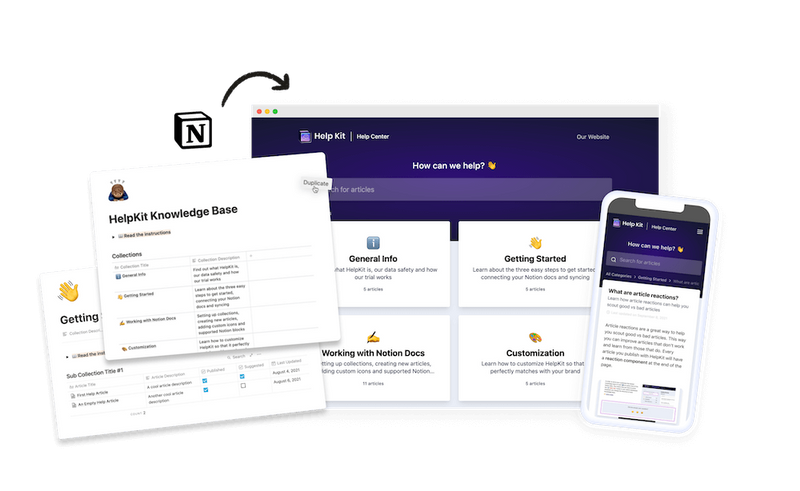
HelpKit is solving all of this. It is for businesses who need an easy way to create a reliable knowledge base powered by Notion.
— Dominik Sobe, Founder
 Ready to turn your
 Notion pages into a
professional
Join 1000+ happy customers reducing their support ticket load and getting customers to their answers quickly.