Customer Academy Software
Launch a Customer Academy From Your Notion Docs
Your course and onboarding content already lives in Notion. Publish it as a branded academy your customers can browse, search, and ask questions to, on your own domain. No LMS overhead, no migration.
The Best Companies Are Using HelpKit







An LMS is overkill
Full learning platforms bring gradebooks, SCORM packages, and admin overhead most customer education never needs. If your goal is customers who understand your product, published, searchable content gets them there faster.
Help centers teach in the wrong order
Support docs organize by problem; academies teach in sequence. HelpKit's collections and subcollections structure your content into chapters and lessons customers move through naturally.
Course content goes out of date
Your product changes and recorded courses quietly rot. When lessons live in Notion, updating the academy is editing a page, so keeping it current actually happens.
What you get
Everything included, nothing to build
Chapters and lessons from collections
Structure your academy into as many levels as your curriculum needs. Customers see an ordered path, not a pile of articles.
AI answers trained on your curriculum
Students ask questions mid-lesson and get answers from your own content, cited back to the right chapter.
Gate paid content with email access
Approve exactly who gets in. Sell access through your own checkout, add the buyer's email, and your premium academy stays members-only.
Your domain, your brand, with insights
academy.yourcompany.com with your look, plus analytics on what students read and search for, so you know which lessons work.
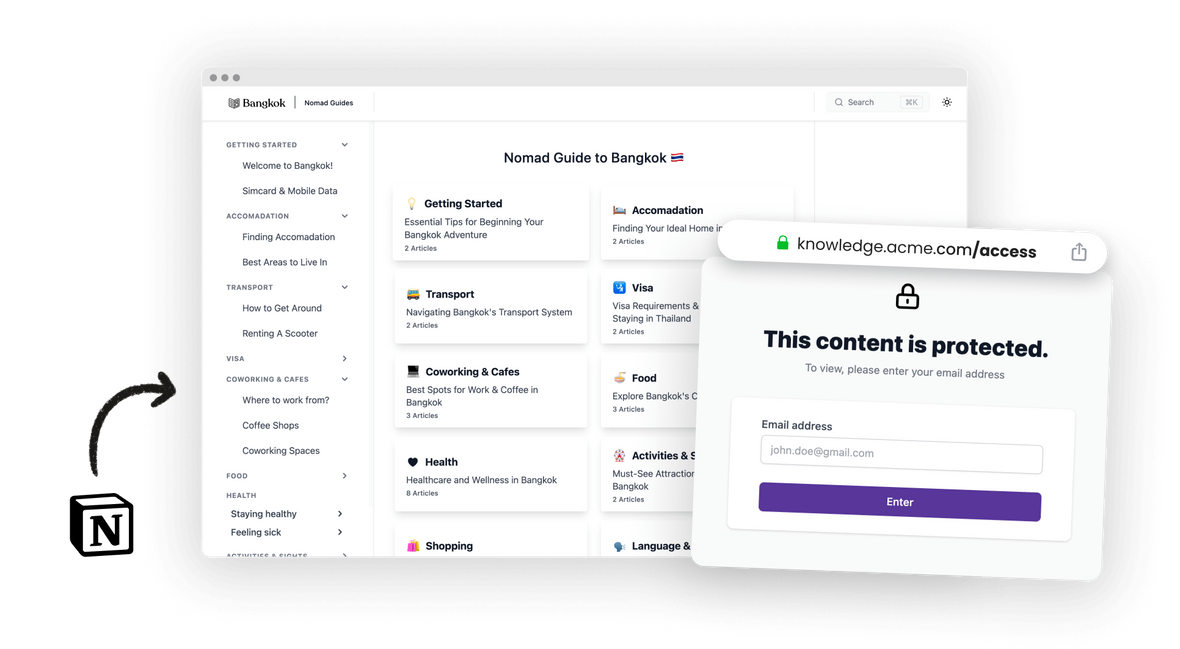
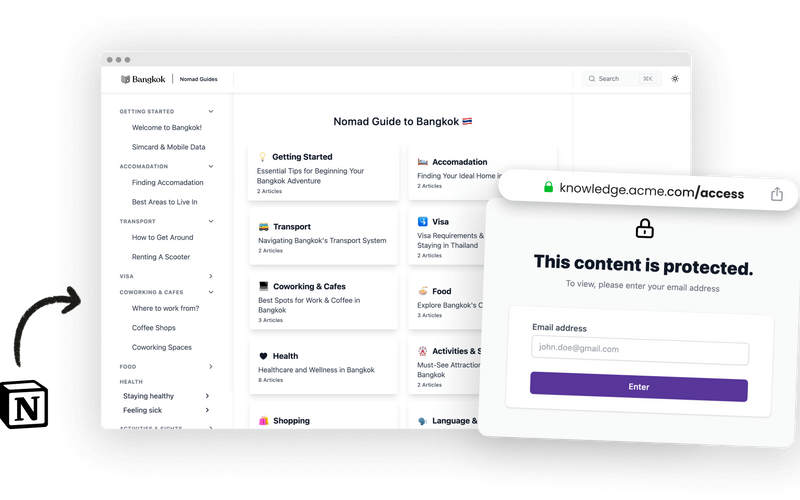
Control exactly who gets in with protected access
Some academies are public marketing; others are the product customers paid for. HelpKit covers both, so you decide per project who gets through the door.
-
Password protection
- Protect your whole site with a single password. The simplest and most efficient access control, and you can rotate it whenever you need to.
-
Restricted email list
- Define exactly who can access your site with an approved email list. It lives in Notion, so it works with Zapier and Make out of the box.
-
Custom backend authentication
- Authenticate visitors with your own login system and fully control who gets in. Ideal for internal documentation and enterprise portals.
Powered by HelpKit AI
A tutor inside your academy
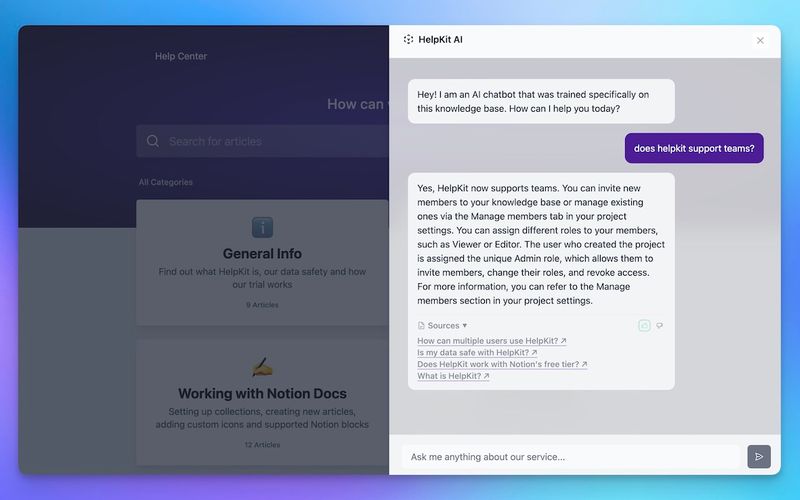
Students get stuck mid-lesson and give up quietly. HelpKit AI is trained on your curriculum, so they can ask a question in their own words and keep going.
- ✓Answers pulled from your lessons, linked back to the right chapter
- ✓Available at any hour, in every timezone your customers learn from
- ✓Works behind email-list protection for paid academies
Why your docs belong in Notion
The docs tool your team already knows how to use
Everyone can edit, today. Your team writes in Notion already, so there's no docs platform to learn, no markdown to teach, and no developer bottleneck between "we should update that article" and it being updated.
Docs stay current. Documentation goes stale when updating it is a chore. Editing a Notion page is not a chore, which is why Notion-based docs actually get maintained.
One source of truth. Your knowledge lives in one workspace instead of being copy-pasted into a separate docs system that drifts out of date the same week.
HelpKit adds the pro layer. Notion is the editor; HelpKit is the publishing engine: your domain, search, AI answers, analytics, and access control on top of the pages you already have.
How it works
Your customer academy, live in three steps
- 1
Organize lessons in Notion
Your curriculum as Notion pages, structured into collections as chapters.
- 2
Connect HelpKit
Branding, domain, and access rules in about 15 minutes. Add email-list protection if the academy is paid.
- 3
Enroll customers
Share the academy or gate it behind your checkout. Update lessons anytime by editing Notion.
Academy builders stay with HelpKit longer than any other type of customer we serve.
Included on every plan
Everything a professional site needs
Fully branded
Your logo, colours and typography. No HelpKit badge on paid plans.
Your custom domain
Serve on help.yourdomain.com with SSL included, so SEO authority stays yours.
Multilingual
Run several languages from one workspace, without a duplicate system per market.
Instant search
Full-text search that returns answers as visitors type, across every article.
Insights that name gaps
See what people searched for and did not find, so you know which article to write next.
Protected access
Public, password, email allow-list or JWT via your own login. Set it per project.
Embeddable widget
Answers inside your product, without sending anyone out to a browser tab.
AI-readable by default
llms.txt and clean semantic markup, so assistants can quote your docs correctly.
Edits go live instantly
Publish from Notion. No rebuild, no release, no ticket to the web team.


With Helpkit we literally went from 0 to fully functional knowledge-base in 1 hour! The best thing about Helpkit is it allows my non-technical co-founder to do 95% of the work and manage our knowledge-base. We signed up because of how beautiful and well-designed the product is!

Testimonial from Dan Kelly
CEO at Adjust Square
Frequently asked questions
How is this different from an LMS? +
An LMS manages learners: enrollment, quizzes, grades, certificates. A customer academy on HelpKit publishes your teaching content as a beautiful, searchable, AI-answering site. Most customer education needs the second thing, at a fraction of the cost and setup. If you genuinely need graded certification, pair a lightweight LMS with HelpKit for the content.
Can I charge for access to my academy? +
Yes. Use email-list protection: sell access through your existing checkout (Stripe, Lemon Squeezy, Gumroad, or anything else), then add the buyer's email to the approved list. We wrote a guide on building a paid membership site with Notion that shows the full flow.
Can students ask questions? +
Yes. HelpKit AI answers questions using your academy content and links to the relevant lesson, so students unblock themselves instead of emailing you.
How long does setup take? +
If your content already exists in Notion, about 15 minutes to a live academy: connect the workspace, set your branding and domain, choose access rules. Writing the curriculum is the real work, and you have probably done most of it already.
What does it look like for my customers? +
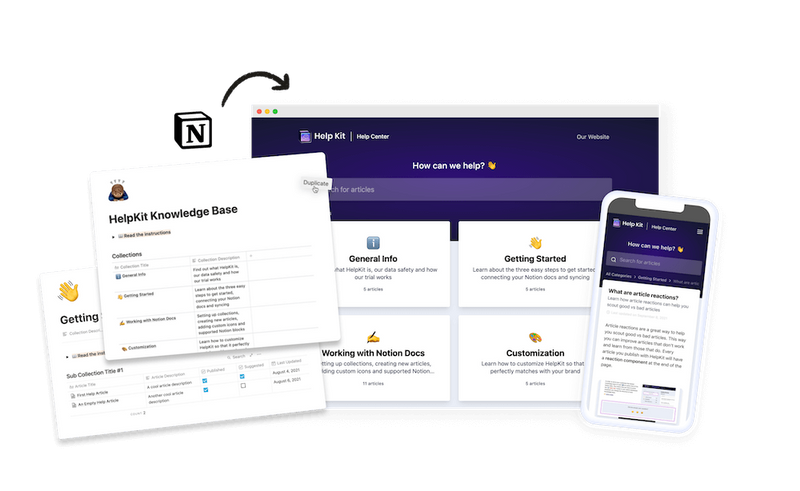
A branded site on your domain with your chapters in order, instant search, and AI answers. Customers never see Notion, never need Notion accounts, and always see the current version of every lesson.
 Ready to turn your
 Notion pages into a
professional
Join 1000+ happy customers reducing their support ticket load and getting customers to their answers quickly.