
Your Knowledge Base,
In
Every AI Agent
You Use
HelpKit MCP is the MCP server for your Notion help center. It connects Claude, ChatGPT, Cursor and Codex straight to your docs, so your assistant can search them, read them in full, and draft new articles into them. Allow it, and it publishes and syncs them too.
HelpKit runs on Notion and the Notion API, so everything your assistant writes lands in the workspace you already edit.
Works with
>what are people searching for that we have no answer for?
- Reading 1,240 searches from the last 30 days
Both directions
An MCP help center your agent can read and write
Most integrations do one or the other. Over MCP your knowledge base becomes something an AI agent can pull answers out of and write articles back into, in the same conversation, whether you run it as a help center, a documentation site or the docs behind your help desk.
Answer from your own docs
Your assistant can search your help center and read any article in full. Support replies, internal questions and customer emails get answered from documentation you actually maintain, with the article named.
“A customer asks how to move to a new domain. Answer from our help center and tell me which article you used.”
Write the article that is missing
When nothing covers the question, it drafts one into your Notion, in the right collection, matching the voice of your existing articles. Unpublished, so you decide what goes live.
“Nothing covers this. Draft an article for it and leave it unpublished.”
What it can reach
Every signal your help center already collects
Your dashboard shows these one chart at a time. The MCP server puts them in one place, in front of an agent that can reason across them and tell you which help docs are actually failing.
What people searched for
Every query typed into your help center, including the ones that returned nothing. That list is a content backlog written by your customers.
How your articles are rated
The thumbs up and down under each article, so a popular page and a page people found useful stop being the same thing.
Where HelpKit AI struggled
The chat sessions your AI assistant could not answer, which is the clearest documentation gap you have.
What gets read
Page views per article, so a fix to a page 2,000 people see gets prioritised over one nobody opens.
Your structure and content
Collections, sub-collections and the text of every article, including drafts that are not live yet.
Write access to Notion
It creates and edits articles in your own Notion workspace, in the right database, with your structure left intact. Grant it write and sync access and it takes them live too.
Prompts to try
Seven things to ask on day one
Connect HelpKit first, then paste one of these into your AI agent. Start with the first. It is the one that tends to find something you did not know about your own knowledge base.
Find the gaps
start hereLook at what people searched for in my help center over the last 90 days, especially the searches that returned nothing, plus my article feedback and page views. Find the patterns. Give me a short summary: the top five gaps, whether each needs a new article or a fix to an existing one, and what you would change. Do not write anything yet.
Ship a change
We changed the way billing works: invoices are now sent monthly instead of per purchase. Find every article that mentions it, tell me which ones are now wrong, and draft the updates in Notion for me to review.
Ship it end to end
publish accessWe renamed Workspaces to Projects everywhere in the product. Find every article that mentions the old name, update them, publish the changes, and sync my help center. List what went live when you are done.
Document a new feature
Here is what our new feature does: [paste your changelog]. Read three of my existing articles first so you match our voice, then draft a thorough help article for it in the most fitting collection. Leave it unpublished.
Answer a ticket
A customer asked this and we had no article for it: [paste the ticket]. Check whether we really have nothing that covers it, then draft one in the right collection. Keep it to what we can actually confirm.
Translate
Take the articles in my English help center and write the German versions into the German version of my knowledge base, matching the same collections. Leave everything unpublished so I can check the translations.
Audit
Read through my help center and tell me where two articles contradict each other, where we still call something by an old name, and which articles are thin for how much traffic they get. Just the list, no edits.
Make it a habit
weeklyEvery Monday, check the last week of searches, feedback and chats in my help center, and tell me the single most valuable thing to write or fix that week. One recommendation, with the numbers behind it.
Any MCP client
Connect it once, use it everywhere
MCP is an open standard, so a help center integration does not need rebuilding for every assistant on the market. Set the server up once in the client you already use, and the same connection answers when your team moves to a different one next quarter.
Popular clients
Connected in about a minute
- 1 Open your AI client and add a new MCP connection
- 2 Name it HelpKit and paste your HelpKit MCP URL
- 3 Click Connect. A HelpKit page opens in your browser, you sign in and approve, and that is it
- 4 Pick which project to work on if you run more than one
- 5 Ask it what people searched for and could not find, to confirm it works
Server URL
https://connect.helpkit.so/mcp
Starting from nothing
Create a help center with an AI agent
Writing documentation from a blank page is the reason most help centers never get finished. Point an agent at what you already have and it writes the first version for you to correct, which is a much easier job.
Draft the first articles
Give it your changelog, a product spec or a competitor's docs and ask for the collections a new customer would look for. You get a documentation site with real content in it instead of an empty template.
Mine your help desk
The questions your team answers twice a week are the help docs you are missing. Paste the tickets and let it write the articles, so the backlog turns into a knowledge base instead of a to-do list.
Keep it current after every release
Documentation goes stale the day you ship. Ask the agent to find every article a change affects and rewrite them, which is the part nobody remembers to do by hand.
Guardrails
It drafts. You publish. Until you say otherwise.
HelpKit MCP can run your whole help center: write the article, publish it, sync the site. How much of that an agent is allowed to do is a switch in your dashboard, and it starts off.
Out of the box, every article lands in your Notion with Published unchecked and anything a visitor would notice is refused. You review the draft where you already work, tick the box, and sync. Once you trust the setup, flip on publish and sync access and your assistant takes changes all the way live.
Your Notion credentials stay with us
The assistant asks HelpKit to write an article. It never receives a Notion token, so nothing sensitive reaches your laptop, your config file, or the model.
Nothing goes live uninvited
Articles are created with Published unchecked, and publishing is refused until the project owner flips on write and sync access for that project. Even then, drafts start unpublished and it publishes only when you ask.
Your structure is not up for negotiation
It writes into your existing collections using the properties HelpKit depends on, and it can never touch those properties. Renaming collections sits behind the same publish switch, so even tidying up waits for your go-ahead.
Disconnect it in one click
Every connected app is listed in your dashboard with when it was last used. Disconnecting one stops that assistant immediately, and the publish switch flips back off just as easily.
HelpKit AI
Let your customers chat with your docs
MCP points your own AI agents at your knowledge base. HelpKit AI points it at the people reading your help center: an assistant on your own site that answers from your articles instead of sending someone to the contact form.
See HelpKit AI →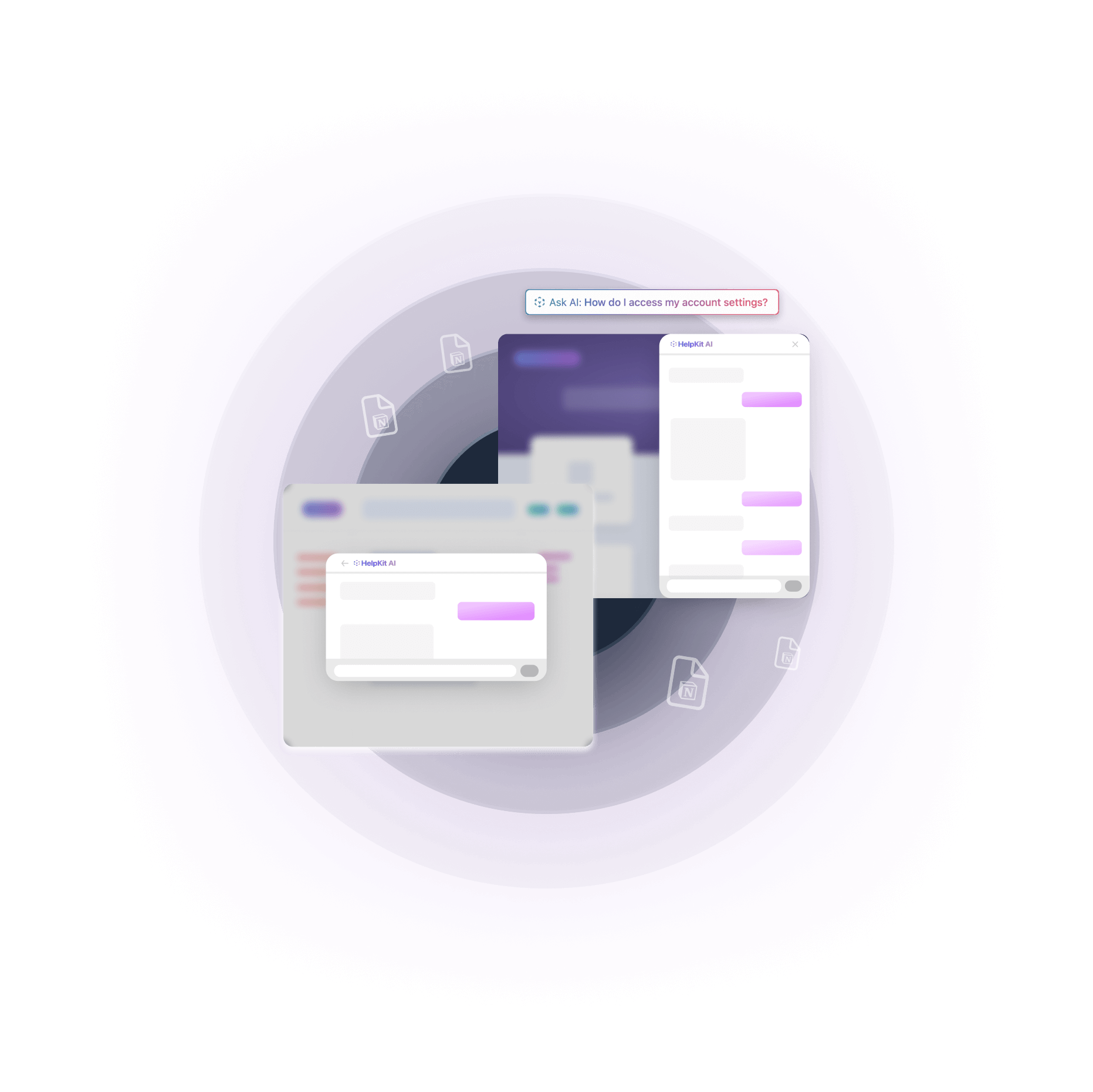
Questions
What is MCP?
Model Context Protocol, an open standard for connecting AI assistants to the tools you already use. Instead of copying content into a chat, you point the assistant at HelpKit once and it can read and write for you from then on.
Can I use an AI agent to create a help center?
Yes, and honestly it is one of the nicer ways to start. Connect the MCP server, point the agent at a changelog, a product spec or your support inbox, and ask it to draft the collections and articles a new customer would look for. Everything it writes lands as an unpublished draft in your Notion, so you get to edit something rather than face a blank page.
Does this work for a documentation site as well as a help center?
It does. HelpKit renders the same Notion content as a help center, a documentation site, or the knowledge base behind your help desk, and the MCP server reads and writes all of them the same way.
Which assistants work with it?
Anything that speaks MCP: Claude, ChatGPT, Cursor, Codex, VS Code and others. Your dashboard gives you a ready-made setup command for each one. If the tool you use is not listed yet, send us a note and we will look at adding it.
Can it publish articles to my live help center?
Yes, when you allow it. Publish and sync access is a per-project switch in your dashboard that only the project owner can flip. Off, which is the default, your assistant drafts into Notion with Published unchecked and anything your visitors would see is refused. On, it can publish articles, edit live ones and sync your help center, so a fix goes from request to live site in one conversation. Either way, new drafts start unpublished and it publishes only when you ask it to.
Does it work with my existing Notion setup?
Yes, and you do not need to change anything. It writes into the same collections and databases your help center already uses and follows HelpKit's structure, so your workspace stays exactly as you built it.
Who on my team can use it?
Anyone with the Admin or Editor role on the project. Viewers cannot connect at the moment, since MCP can write into your Notion workspace and that felt like the safer default to start with. If you would like a read-only connection for the rest of your team, let us know, it is on our list.
Which plan includes it?
Every plan does, and your trial does too. MCP is included on all of them as long as the project is active, with nothing extra to buy. The only thing your plan decides is how many articles your help center can publish, which is the same limit that applies when you work in Notion by hand.
Put your help center on MCP
Connect Claude, ChatGPT, Cursor or Codex to the knowledge base you already maintain in Notion. Search it, answer help desk questions from it, and draft the articles it is missing. Or hand it the keys and let it publish and sync too.
Included on every plan · No credit card required to start