
How to Write Help Articles People Actually Read
 Lena Martinez 8 min read
Nothing is worse than help articles that don't help. Articles are the core of your help center, and the difference between one that solves a problem and one that generates a frustrated ticket comes down to five habits: write about what people actually ask, name articles the way people search, keep them skimmable, use your customers' words, and show instead of tell.
Each of these came from analyzing dozens of real help centers. Here they are in the order that matters.
1. Write about what your customers actually ask
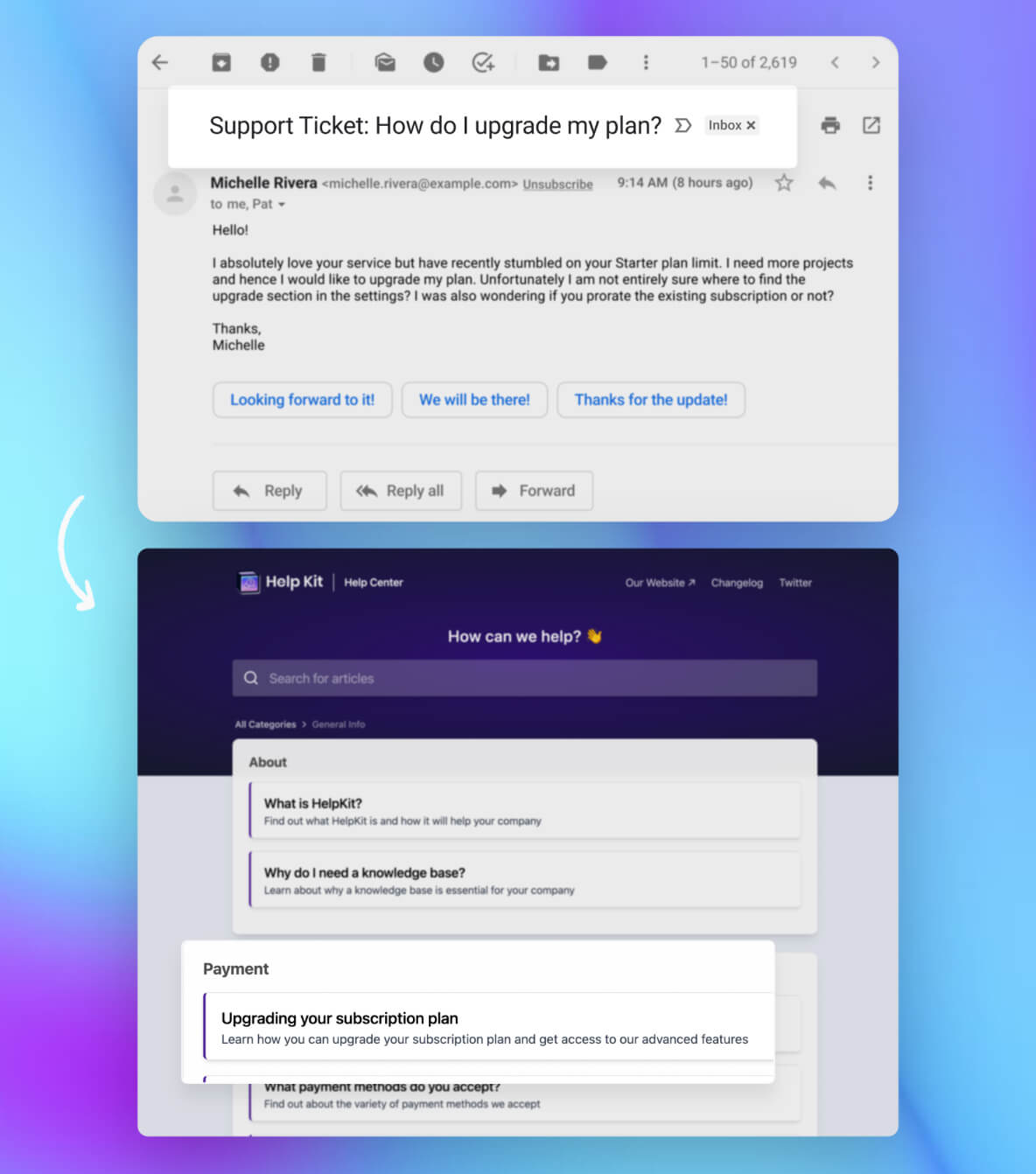
Customers come to your help center to solve their problem, not to tour your features. So the content plan writes itself: your support inbox is your editorial calendar.
Whenever you receive a support ticket, check whether an article answers it. If not, write that article after you reply, while the answer is fresh. One ticket, one article. Within a couple of months this habit alone produces a help center that covers what people genuinely struggle with, in the exact order of demand.
This beats brainstorming article ideas in a meeting every time. Brainstormed articles answer questions you imagine. Ticket-driven articles answer questions you've received.
Beyond tickets, mine these sources:
- Search queries inside your help center (most tools show you what people searched and didn't find; HelpKit's insights do this)
- Questions asked in sales calls and demos
- What users type into your live chat before giving up
2. Name articles the way people search
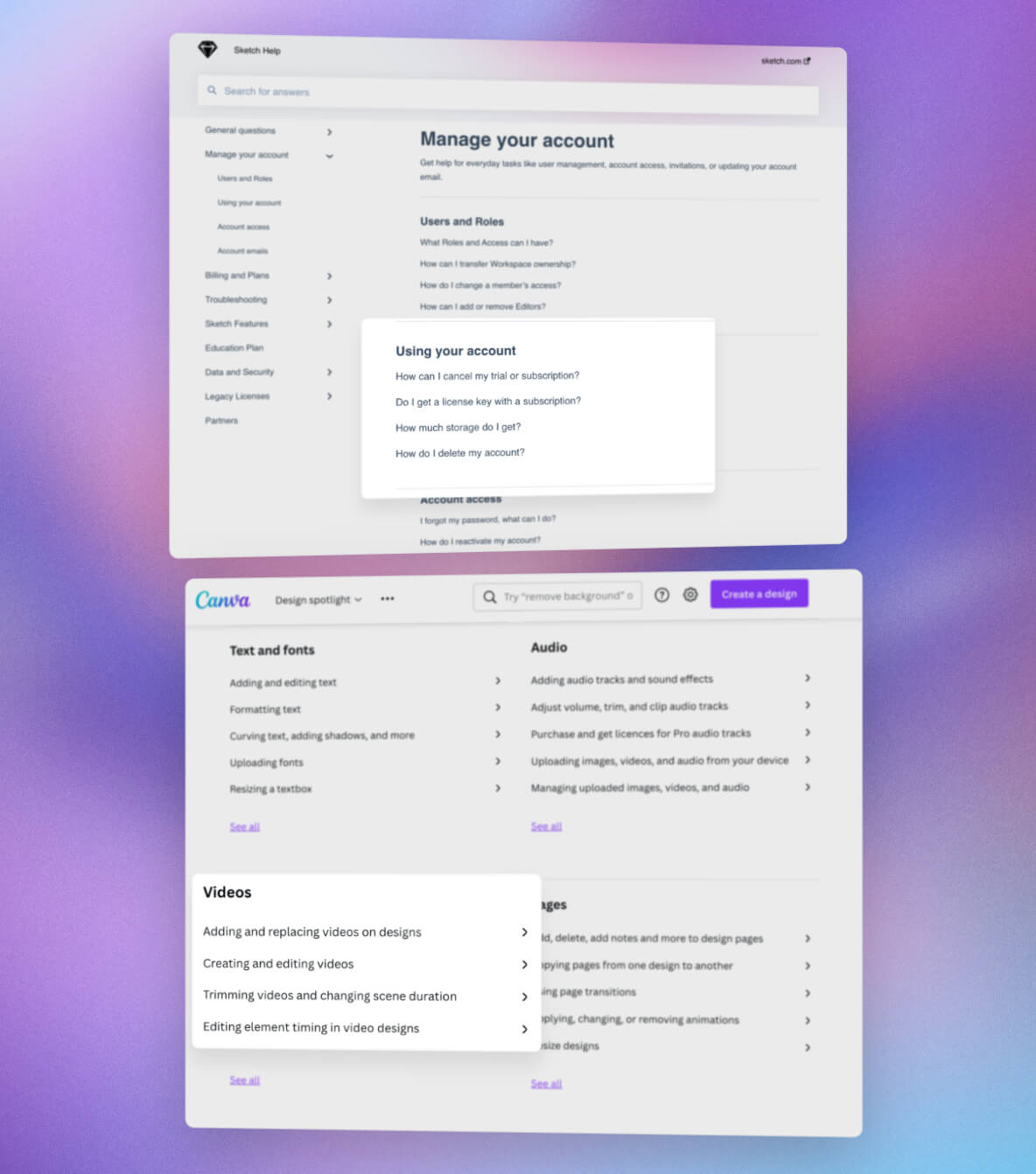
The best article titles are simple, concise, and match what your customer would type into a search bar. When someone scans a list of results, the title decides everything.
Two naming forms dominate real help centers:
- The question form: "How do I connect a custom domain?"
- The -ing form: "Connecting a custom domain"
After analyzing dozens of help centers, we found the -ing form is the most popular choice, and for good reason: it's shorter, it fronts the task, and it reads cleanly in a category list. Pick one form and use it consistently, because a list that mixes "Connecting your domain," "How do I upgrade?", and "Password reset" reads as sloppy.
Rely on action words in the active voice. Skip clever titles entirely. "Domain troubles?" loses to "Connecting a custom domain" in every search box, every time.
3. Make content easy to skim
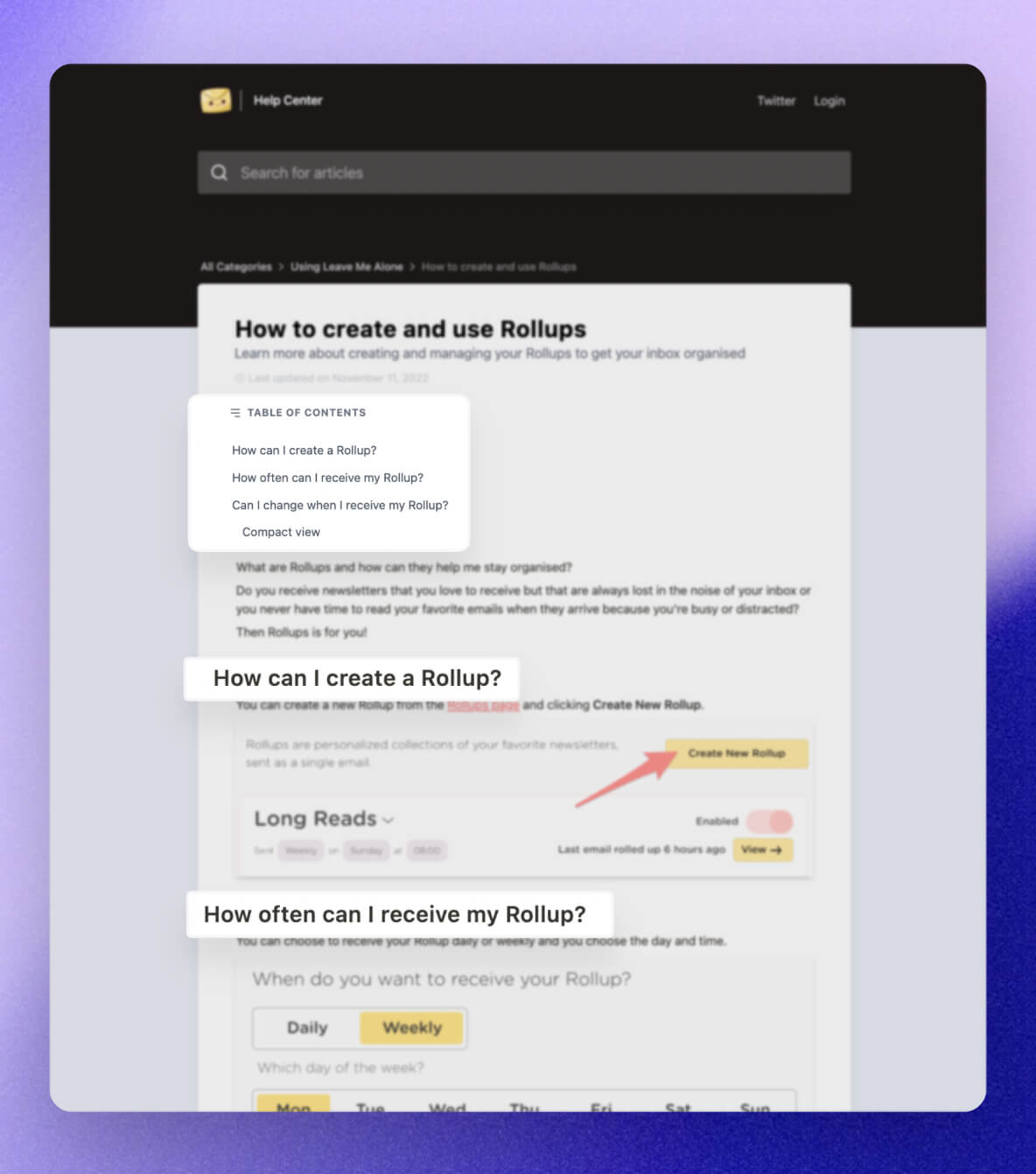
Your reader's time is precious, and most readers don't read. They skim until they hit the part that looks like their problem. Design for that:
- Use headers to mark each step or sub-problem so a skimmer can jump straight to theirs.
- Keep paragraphs short. A wall of text intimidates people into closing the tab.
- Add a table of contents to longer articles.
- Front-load the answer. If the fix is one sentence, put it first and explain afterwards.
Just as important: make your users feel smart. Write with the mindset of a fresh beginner and assume nothing about what the reader already knows. Skip jargon unless it's genuinely necessary, and when you must use a product-specific term, link it to your glossary. An article that makes someone feel stupid gets closed, and the ticket gets opened.
4. Use your customers' voice
Know the words your customers use, and use those words. You can observe them in support tickets, social media posts, reviews, and the searches people run on your site. If customers say "logo," your article says "logo," not "brand asset." This matters twice: once for comprehension, once for search, since people find articles by searching their own words.
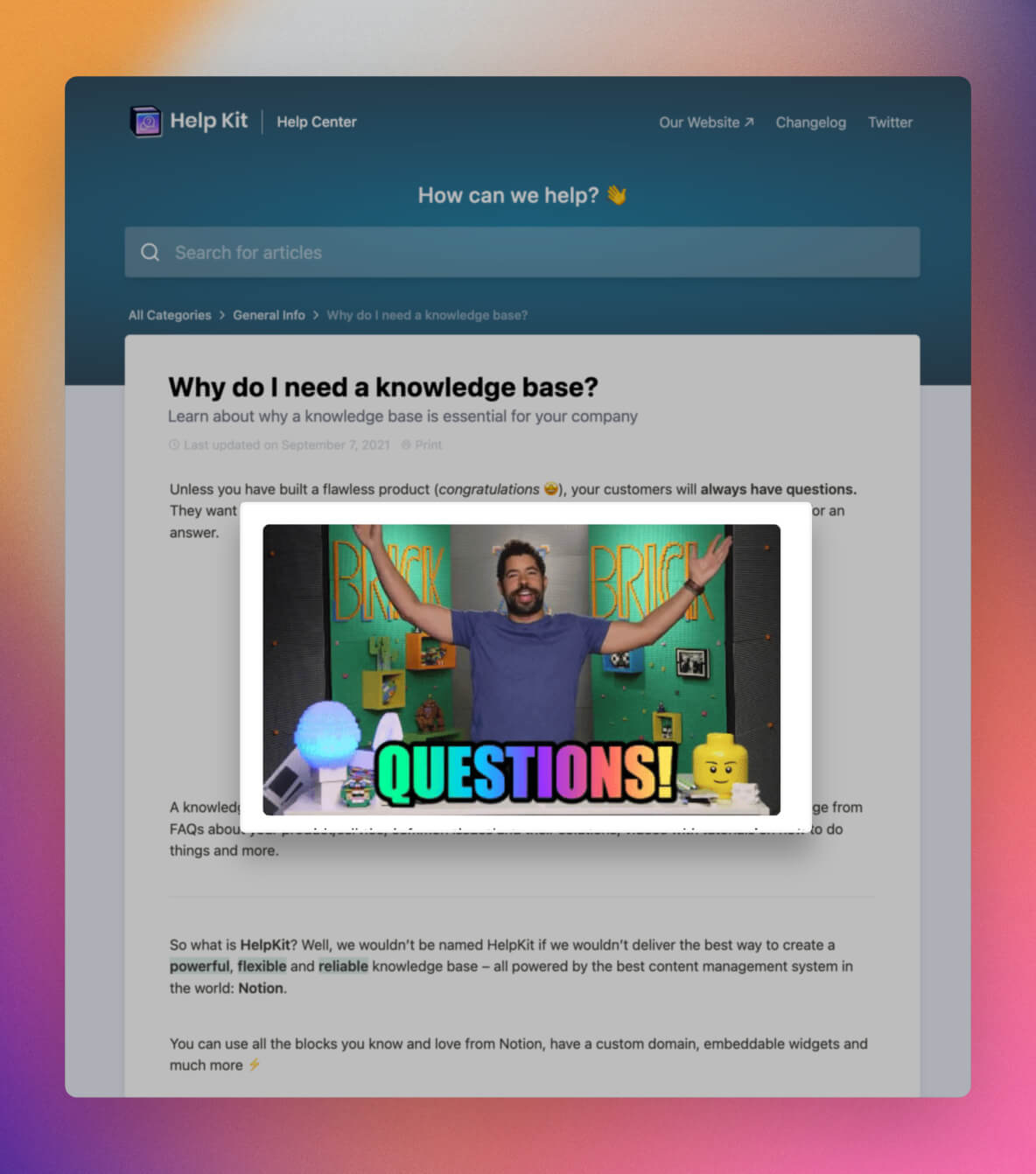
Your articles don't have to be boring either. Write like you speak, and let a bit of humor shine through where it fits. One warm sentence in a troubleshooting article ("Don't worry, nothing is lost, this takes about a minute to fix") does real work, because the person reading it is usually stressed.
And show empathy even when the problem is the user's own doing. Encourage them, fix it, move on. Nobody rereads an article that scolded them.
5. Add visual elements
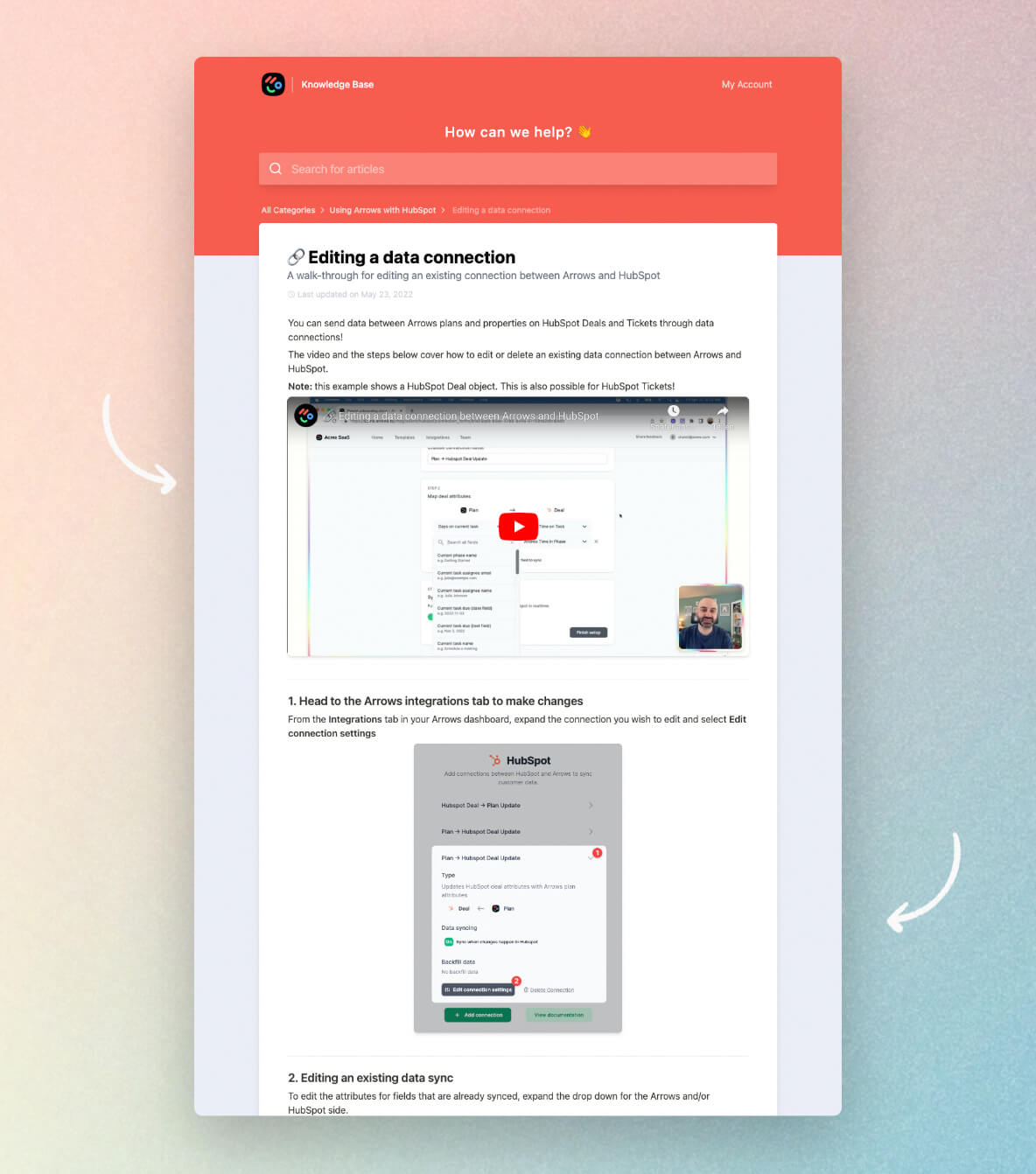
When you're demonstrating how to do something, a screenshot, GIF, or short video replaces paragraphs of description and removes ambiguity about where to click. Bullet points and numbered lists do the same for sequences: steps written as a numbered list get followed, while steps buried in prose get misread.
A useful test for any how-to article: could someone follow it with the article on one half of the screen and your product on the other, without ever getting lost? If yes, the visuals are doing their job.
Screenshots age, though. When your interface changes, an outdated screenshot actively misleads, which is worse than none. This is a strong argument for keeping your help center somewhere your team actually edits. If your articles live in Notion, updating a screenshot is a drag-and-drop, and the change is live on your help center as soon as it syncs.
Putting it together
Here's the whole chapter as a checklist you can run against any article:
- Does this article answer a question someone actually asked?
- Would the customer find this title by typing their own words?
- Can a skimmer find their step without reading everything?
- Is it written in the customer's vocabulary, by a human?
- Would a screenshot or numbered list make any step clearer?
Write ten articles that pass this test, organize them into the four categories, and you have a help center better than most companies twice your size. Next up: help center examples worth copying.
Common questions
How long should a help article be? As long as the answer requires and no longer. Most good how-to articles run 150 to 500 words plus visuals. If an article keeps growing, it's usually two articles.
Who should write help articles? Whoever answers the support tickets, at least at first. They know the real questions and the real vocabulary. Polish is optional; accuracy isn't.
How often should I update articles? Whenever the product changes something an article describes, and on a periodic sweep for everything else. Outdated articles cost more trust than missing ones, because the reader followed the steps and they failed.