NotionDesk Alternative for AI-Ready Notion Help Centers
NotionDesk and HelpKit both turn Notion pages into a help center. The difference is what comes standard: HelpKit ships AI answers, an embeddable widget, instant sync, and JWT-protected access without pushing you to a top-tier plan.
Common NotionDesk Pain Points:
- Auto sync with Notion is reserved for NotionDesk's Enterprise plan ($78/mo billed yearly)
- AI features (AI optimization, chatbot) only arrive on the Enterprise plan
- Password protection and analytics require the Pro plan or higher
- No embeddable support widget advertised for in-context help on your site
- Starter plan is limited to a single language

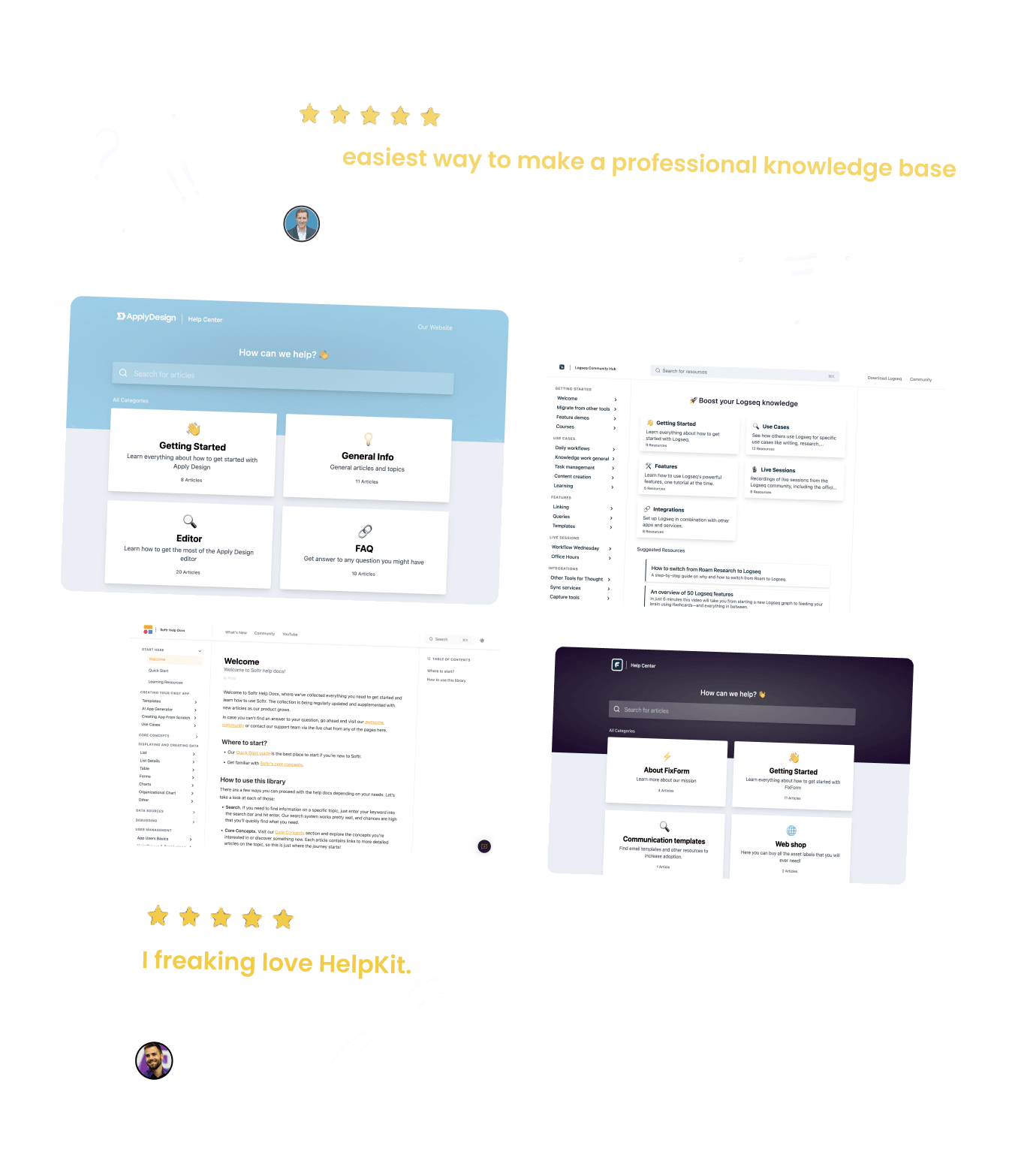
The Best Companies Are Using HelpKit







The ultimate alternative to NotionDesk for
customer support
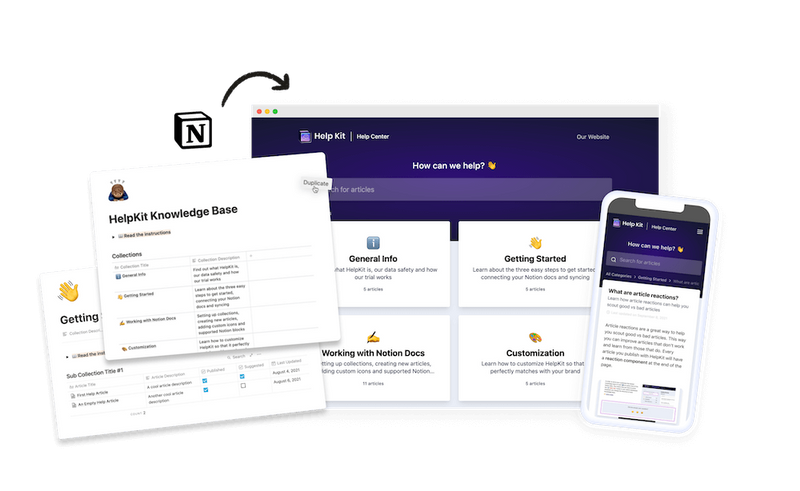
Unlike NotionDesk, HelpKit is specifically optimized for creating help centers and documentation sites and comes with everything you need to run a professional customer support operation: Search engines can easily find your help articles, full-text & AI search bar, article analytics, embeddable widget and much more.
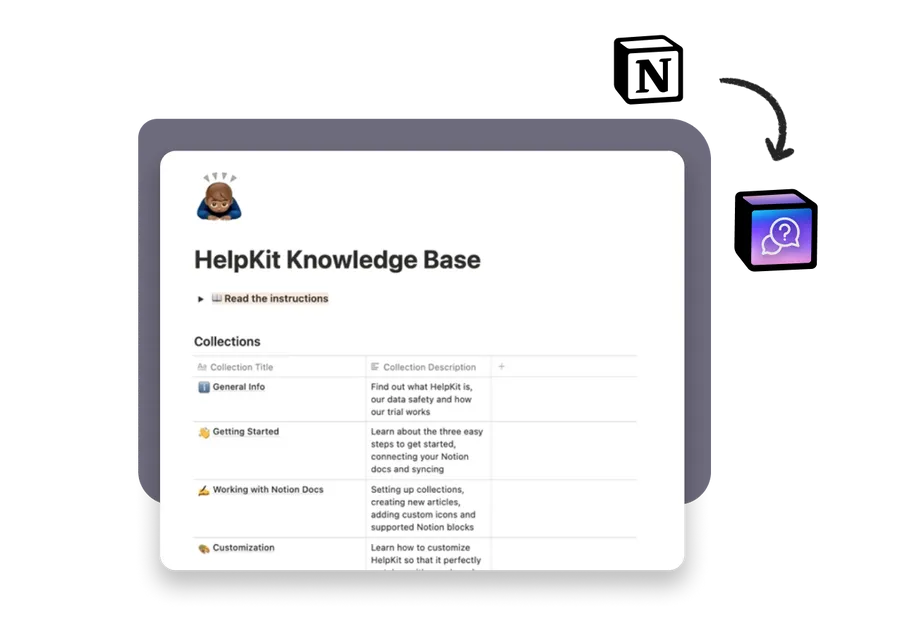
 Powered by Notion
Your content stays in Notion
 Professional Look
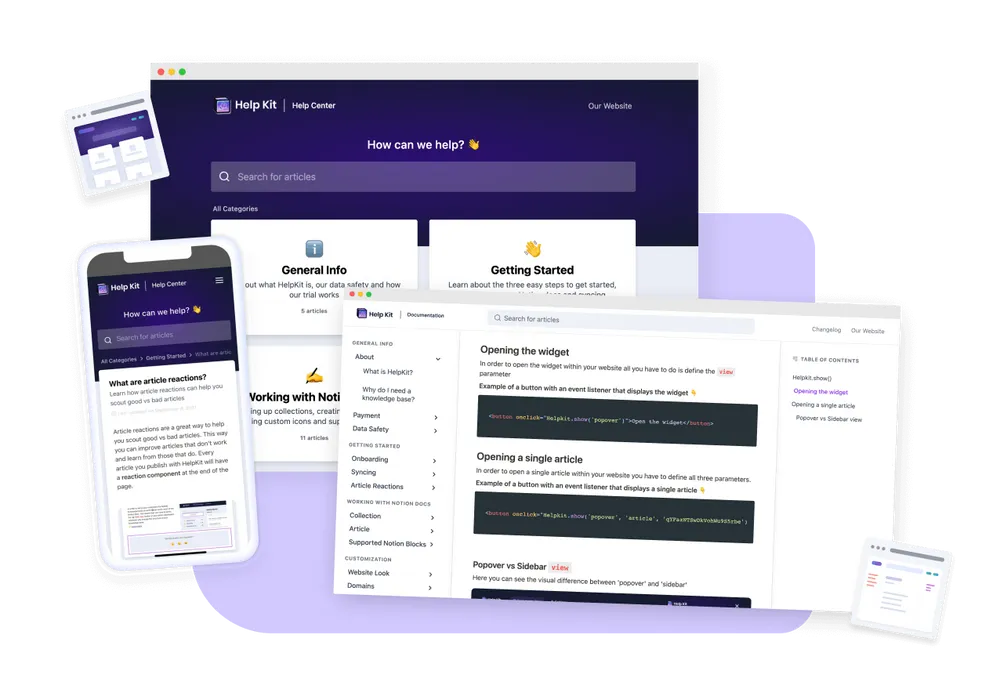
Blow away customers by how professional HelpKit looks
From an integrated table of contents to image previews, everything is designed to deliver an unmatched user experience. Unlike potentially unrefined pages with distracting URLs and links, HelpKit ensures a clean, professional interface that your customers will love.
 Custom Domain
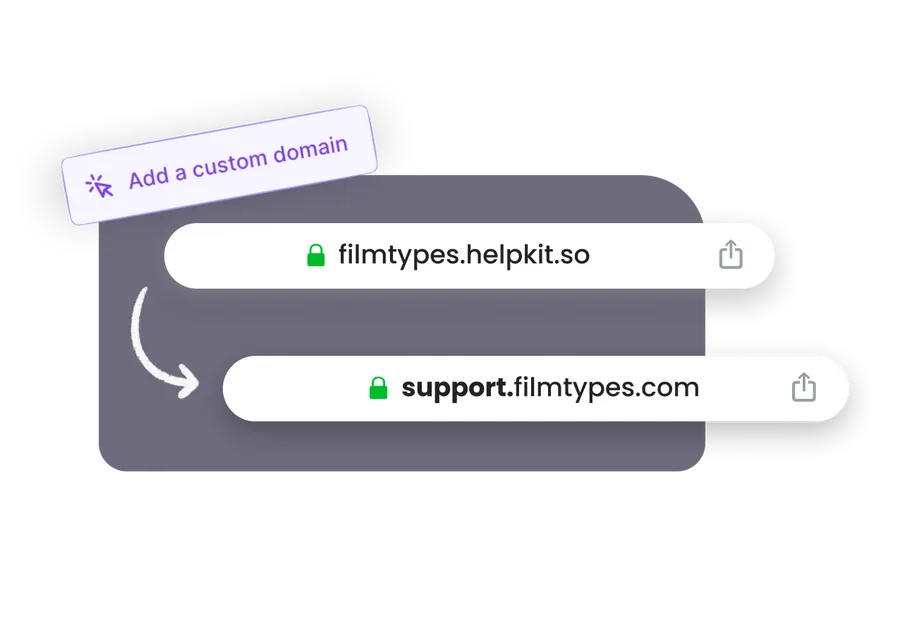
Connect your custom domain
Make it match your brand by connecting your own subdomain so that it looks like support.piedpiper.com
 Powerful Search
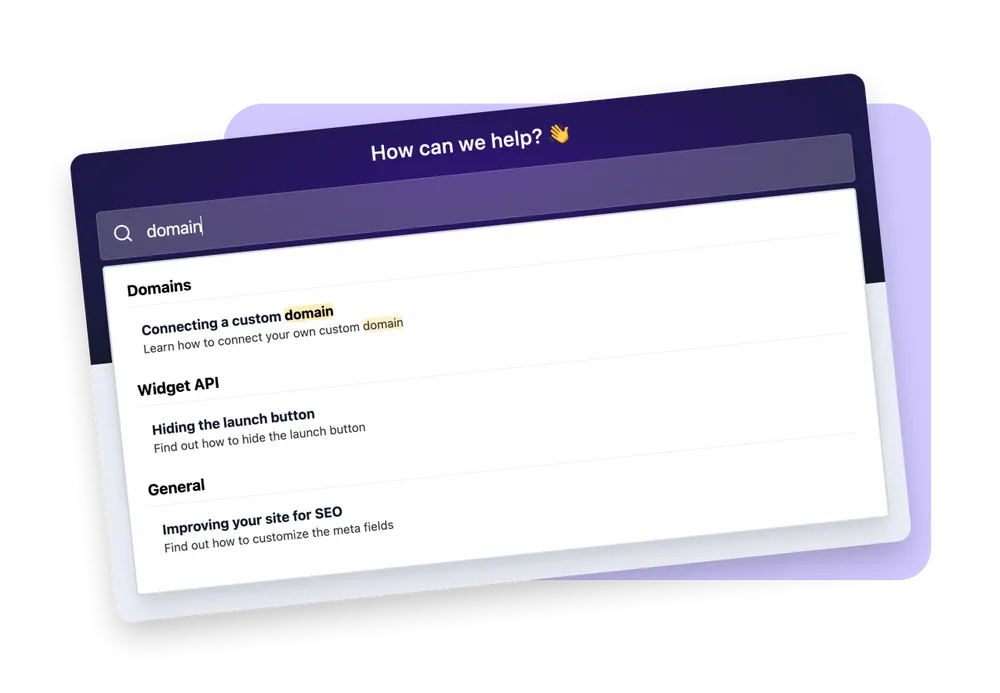
Comes with full-text search – supercharged by AI
 Multi-Language & Versions
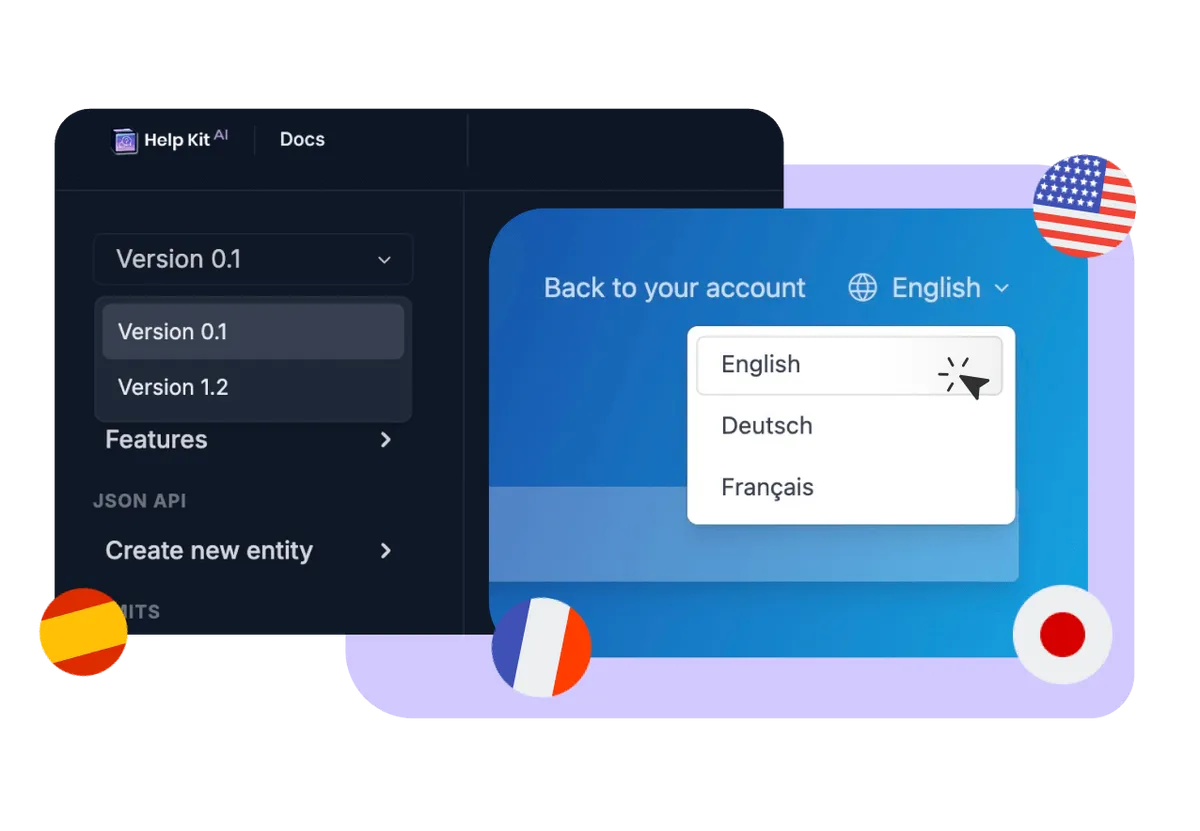
Present your knowledge base in multiple languages
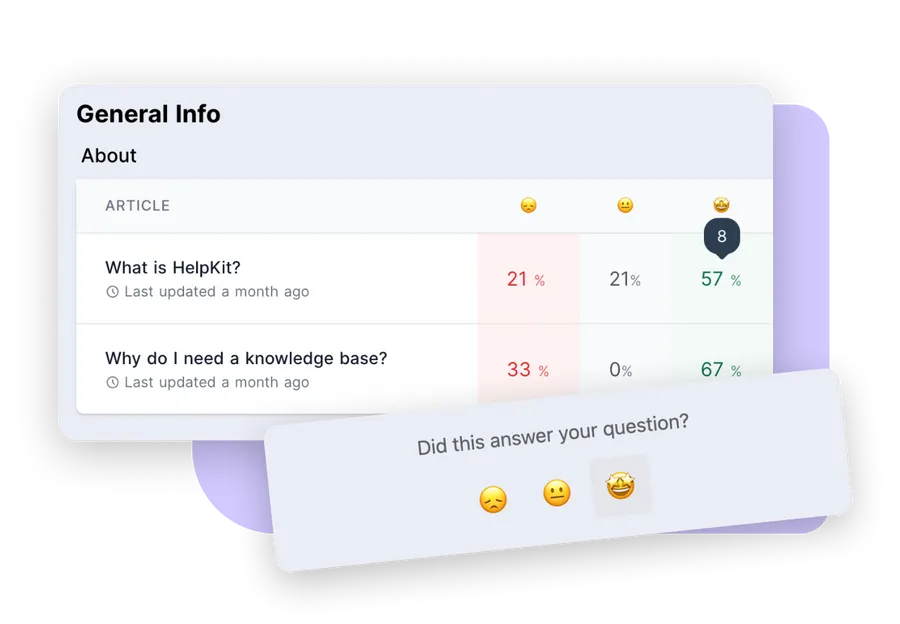
 Analytics
Optimize your help articles
 SEO
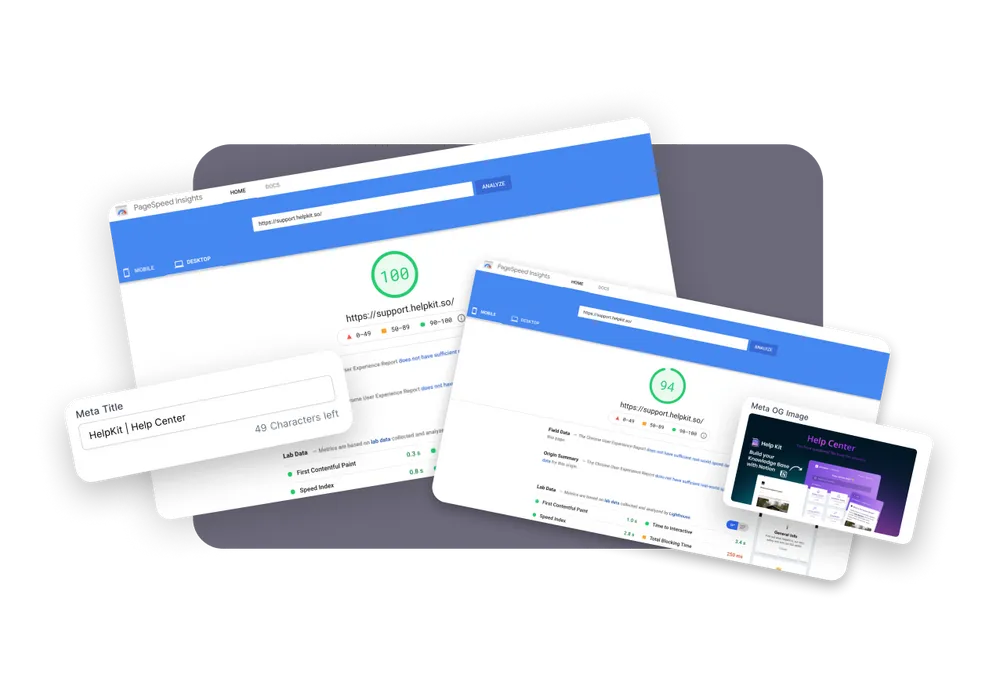
SEOMade for SEO
We cache your Notion data to serve your customers the fastest knowledge base site on earth and keep your site up even when Notion is down. Another amazing side benefit: Google, Bing and other search engines love to rank our fast websites.
 Gated Content
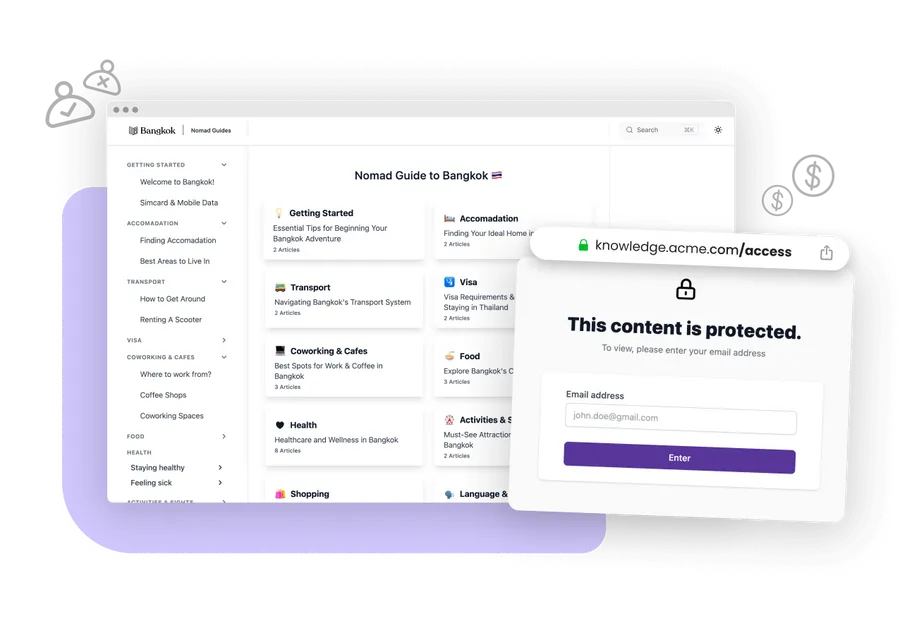
Protect access to your knowledge base
 Integrations
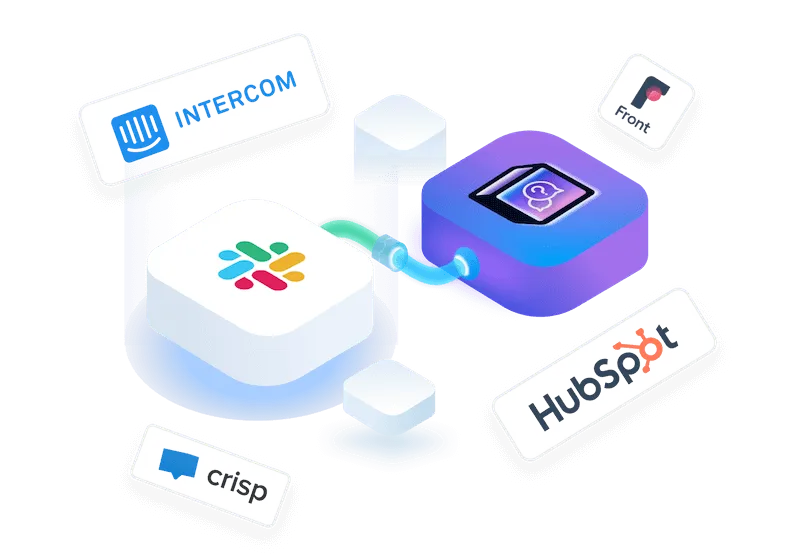
Integrate flawlessly with the systems you rely on


I love using Notion to write articles and then HelpKit takes care of the rest. It’s easy and beautiful. The help widget and analytics works great and is worth the price all on its own. Even if you haven’t used Notion, you’ll pick it up super fast and you’ll love how easy it is to update your articles.

Testimonial from Fred Cutler
CEO at
Standalone Center
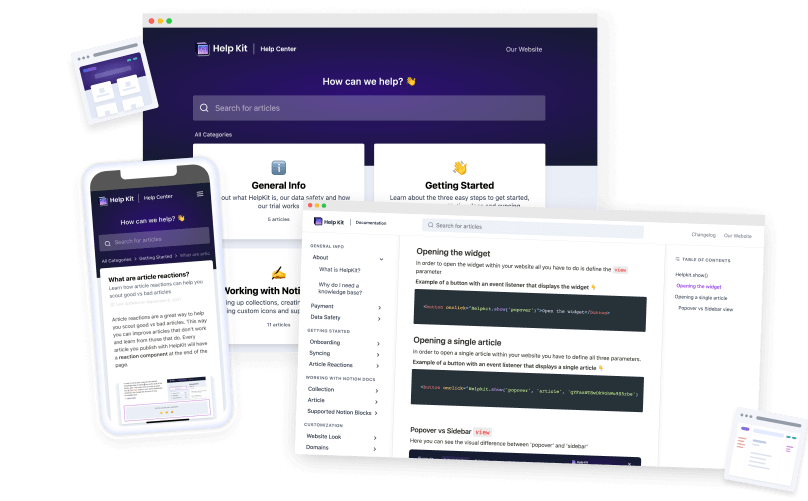
Create a public or internal protected help center or documentation site with your own domain, custom appearance and SEO optimization
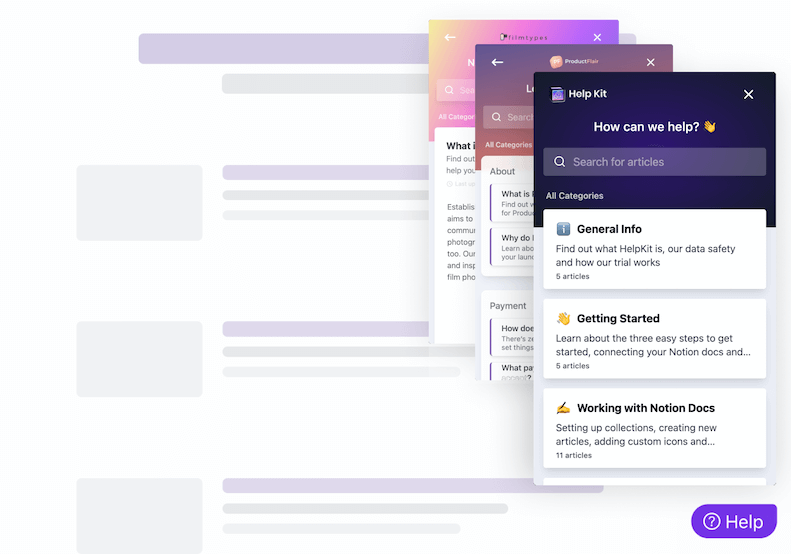
Embeddable Widget
Install our widget on your web/mobile app so users can get their answers quickly in context. Learn more about our embeddable widget and mobile app SDKs
HelpKit and NotionDesk are the two dedicated Notion-to-help-center tools, so this is the closest comparison in the category. The practical difference is what ships on the plan you'd actually buy: HelpKit includes fast automatic sync, analytics, a widget, AI answers, and llms.txt on its standard plans, while NotionDesk reserves auto sync and AI features for its Enterprise tier and gates analytics and password protection behind Pro. Compare total plan cost for your required features, not entry price.
Choose HelpKit if…
- ✓You want automatic fast sync without buying the top tier
- ✓AI answers and AI-search readiness (llms.txt) matter now, not someday
- ✓You need an embeddable widget for in-product help
- ✓JWT auth for internal handbooks or portals is on your roadmap
- ✓Analytics and failed-search insights should come standard
Choose NotionDesk if…
- →You need a basic, single-language help center at the lowest entry price
- →Their current feature set covers everything on your list (verify against their site)
Compare
HelpKit vs NotionDesk
Let's have a look how HelpKit outperforms NotionDesk feature by feature.
| Features | HelpKit | NotionDesk |
|---|---|---|
| Suitable for | Startups to enterprises running help centers & docs | Small teams starting a basic help center |
| Automatic Notion sync | All plans (50 pages in ~25 seconds) | Enterprise plan only |
| AI-Powered Answers | Enterprise plan only | |
| Embeddable Widget | Not advertised | |
| Protected Access | Password, email list & JWT auth | Password (Pro plan and up) |
| Analytics & Search Insights | Pro plan and up | |
| Multilingual | 1 language on Starter, 2 on Pro | |
| llms.txt / AI-ready output | ||
| Custom Domain & SSL |
The part most comparisons skip
Your team could just write the docs in Notion
Before you pick a docs platform, consider the reframe: your team probably already writes in Notion. Meeting notes, specs, internal docs, it's all there. The knowledge your help center needs mostly exists, in a tool everyone already knows how to edit.
That changes the question from "which platform should we learn and maintain" to "why not publish what we already write?" HelpKit takes your Notion pages and adds the professional layer on top: your domain, full-text search, AI answers, analytics, and an embeddable widget. Nobody learns a new editor, docs never drift from where your team actually works, and updating your help center is editing a Notion page.


"With Helpkit we literally went from 0 to fully functional knowledge-base in 1 hour! The best thing about Helpkit is it allows my non-technical co-founder to do 95% of the work and manage our knowledge-base. We signed up because of how beautiful and well-designed the product is!"
Testimonial from Dan Kelly, CEO at Adjust Square.
Showcase
Check out our happy customers
who are using
HelpKit
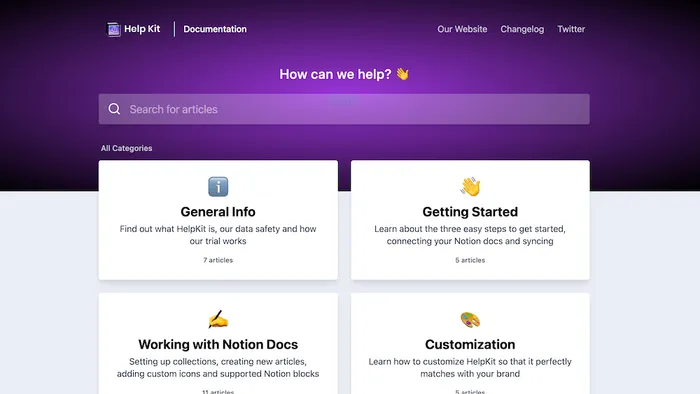
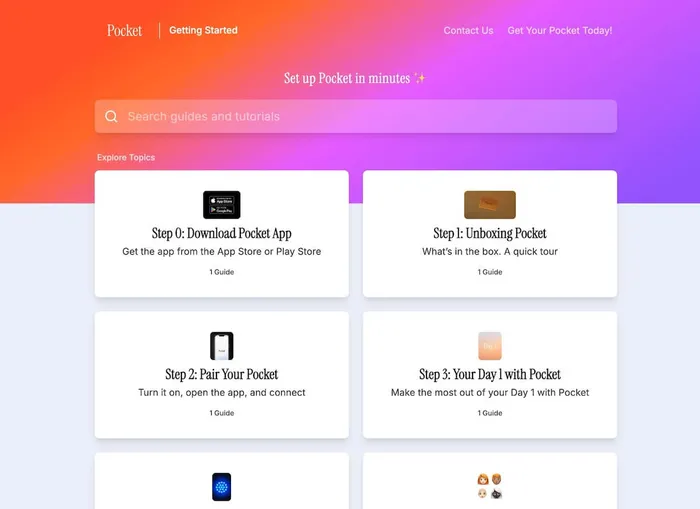
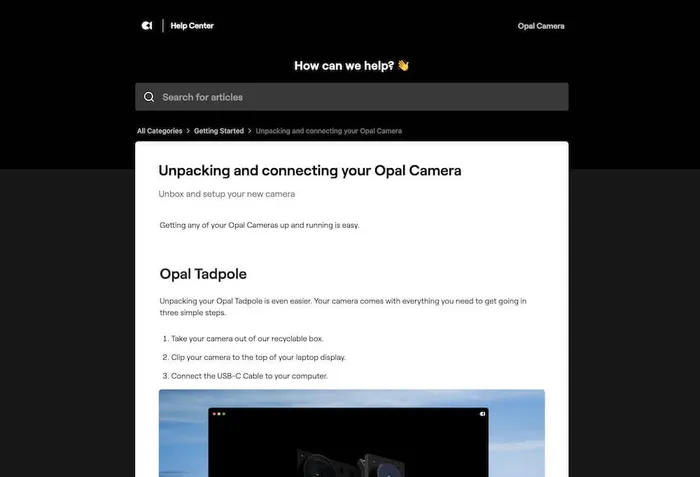
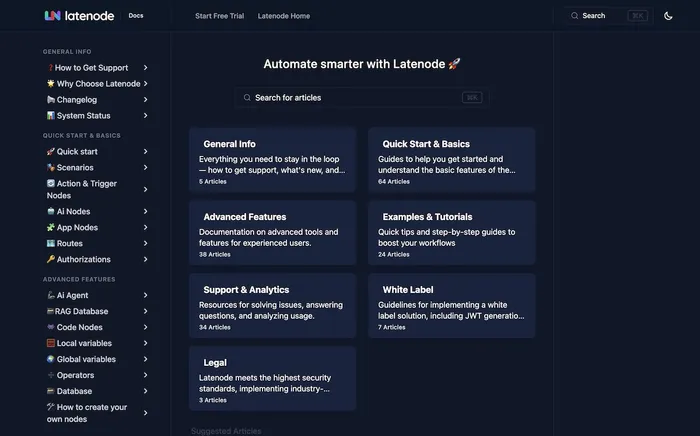
 Help Center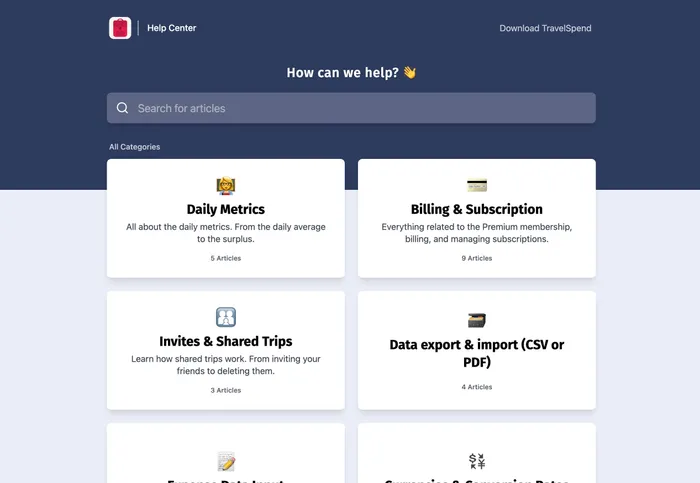
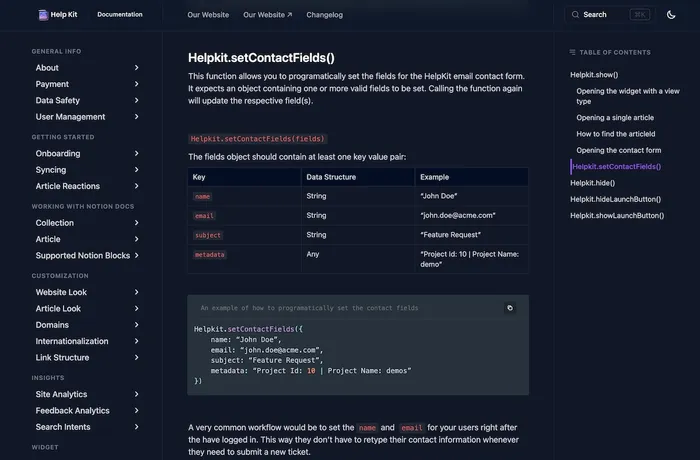
 Documentation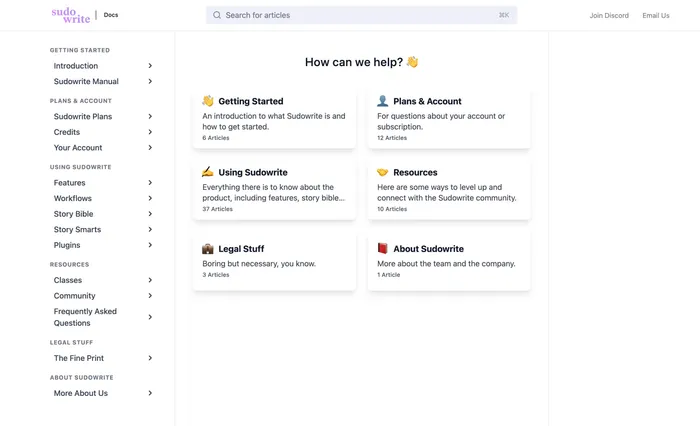
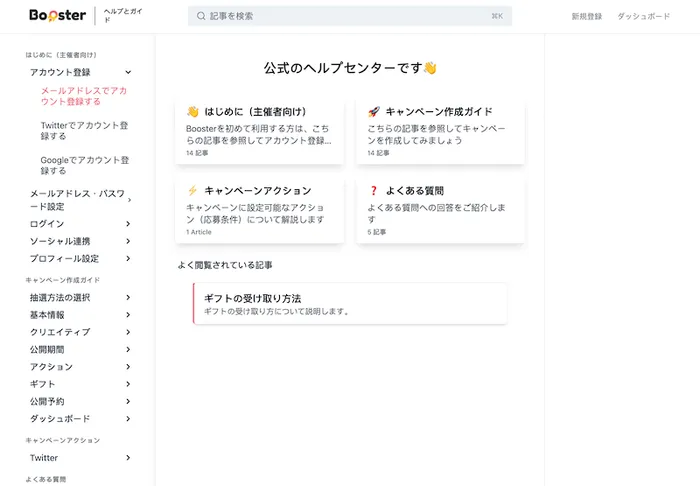
You are using HelpKit and want to get listed here? Shoot us an email 🫡
Free 7 day trial. No credit card required.
Testimonials
Join Hundreds Of Happy Customers
See what others say about us on the world wide web 🥰

🚀 Stop wasting time with outdated help center software
Watch Dominik create a full help article using Notion + ChatGPT in under 5 minutes. No clunky and bloated help center software. No formatting headaches. Just a fast, clean workflow that actually works.
👉 What you'll learn:
Want to migrate from NotionDesk?
We'll seamlessly import your existing content from NotionDesk into our powerful Notion-based help center. Our migration experts handle everything so you can focus on what matters most.
Lightning Fast
Complete migration in 2-3 days
100% Accurate
Preserve all formatting & structure
Zero Hassle
We handle everything for you
Frequently asked questions
You have questions about how HelpKit compares as a NotionDesk alternative? 🤔 We have the answers. If you can't find the answer you are looking for simply reach out.
- What is the main difference between HelpKit and NotionDesk?
- Both tools turn Notion pages into a customer-facing help center with custom domains, search, and SEO. The main difference is what comes standard: HelpKit includes automatic fast sync, analytics, an embeddable widget, and AI-ready output on its regular plans, while NotionDesk reserves auto sync and AI features for its Enterprise tier and analytics plus password protection for Pro and above.
- Is NotionDesk cheaper than HelpKit?
- NotionDesk's entry plan starts at $15/month billed yearly, which is competitive for a basic single-language help center. The comparison changes once you need analytics, password protection, or AI features, which require NotionDesk's Pro ($34/mo) or Enterprise ($78/mo) plans. With HelpKit, core help center features are not gated behind the top tier, so compare the plan you would actually need rather than the entry price.
- Can both tools protect private content?
- NotionDesk offers password protection starting on its Pro plan. HelpKit supports password protection, email list access, and JWT authentication, which lets your existing login system control access. JWT is the option teams need for internal employee handbooks and customer portals, and it is unique to HelpKit among Notion help center tools.
- Which tool is better for AI search visibility?
- HelpKit publishes clean markup and llms.txt out of the box, so ChatGPT, Claude, and Google's AI can read and cite your help center content. NotionDesk lists AI optimization as an Enterprise plan feature. If a growing share of your customers ask AI assistants before contacting support, this difference compounds over time.
About HelpKit
I want you to deal with less support and
make your knowledge base work for you

Hey 👋
I’m Dominik, the founder of
HelpKit.
There are already a couple of knowledge base softwares out there to help you improve your customer support. And while most of them are certainly doing a good job, are they actually making use of the best content management system in the world?
I have been using Notion for a few years now. It's an
amazing tool for storing and organizing all of my company's knowledge
and documentation. After a while, I realized that I need something
that I can expose to my customers. I didn't want to leave Notion.
Furthermore, it should feel similiar to tools such as Intercom or
Zendesk.
Since I couldn't find the right solution –
I built HelpKit. Sure, you can publish your Notion
page on its own but it might come across as unprofessional. The messy
Notion url, distracting links pointing to Notion and the lack of
customizability are just a few disadvantages...
HelpKit is solving all of this. It is for businesses who need an easy way to create a reliable knowledge base powered by Notion.
— Dominik Sobe, Founder
 Ready to turn your
 Notion pages into a
professional
Join 1000+ happy customers reducing their support ticket load and getting customers to their answers quickly.