
 Powered by OpenAI™️
Revolutionize Your Customer Support with HelpKit AI
HelpKit AI turns your Notion knowledge base into a smart, 24/7 AI assistant that provides precise and instant answers to your users. Let our AI help you resolve issues faster and save hours on customer support.
Faster. More powerful. Less support.
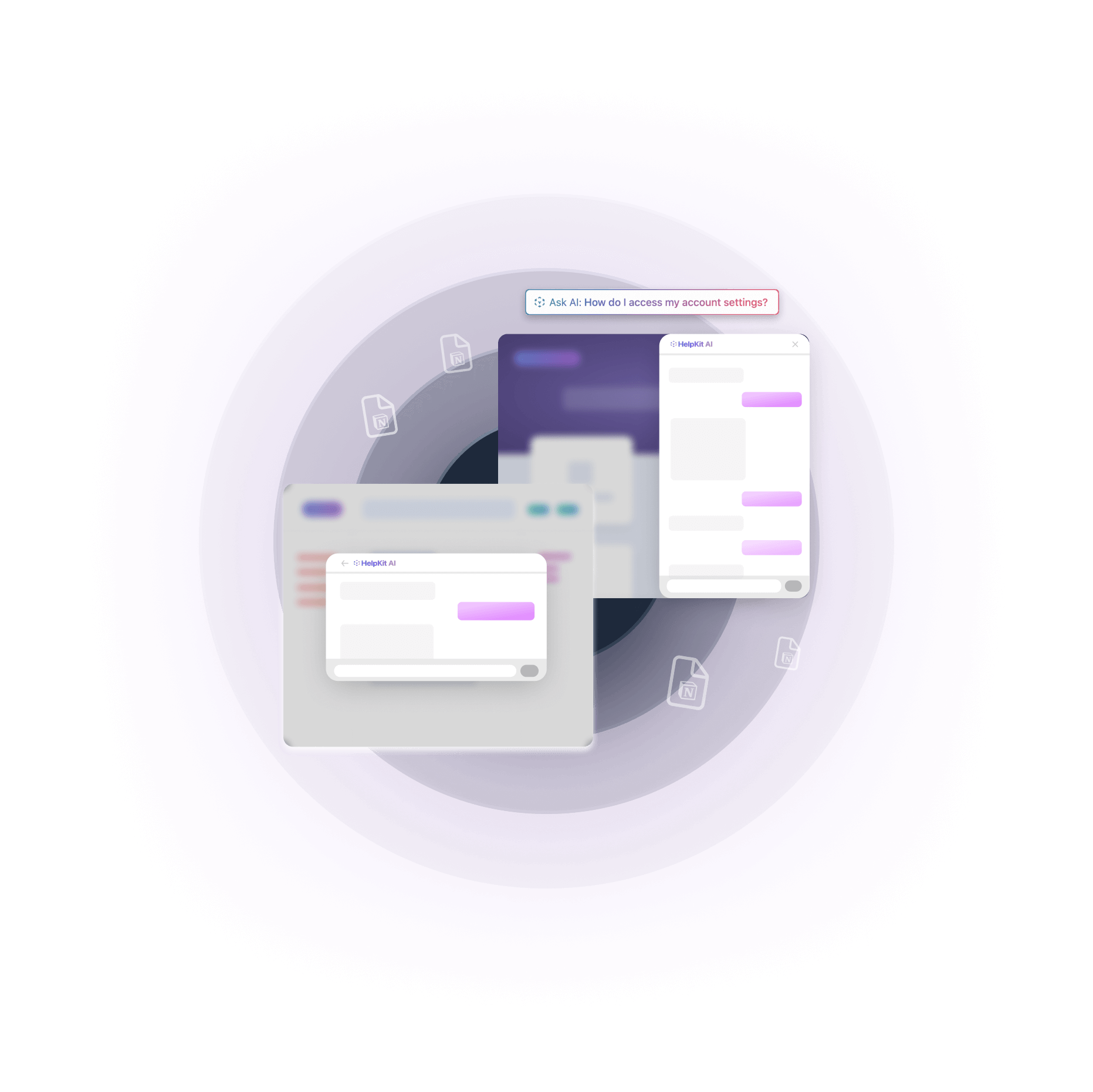
Turn your Notion pages into an AI ChatGPT-like chatbot experience in seconds. Your users can ask HelpKit AI questions about your product and get a response instantly.
Supercharge your Notion knowledge base
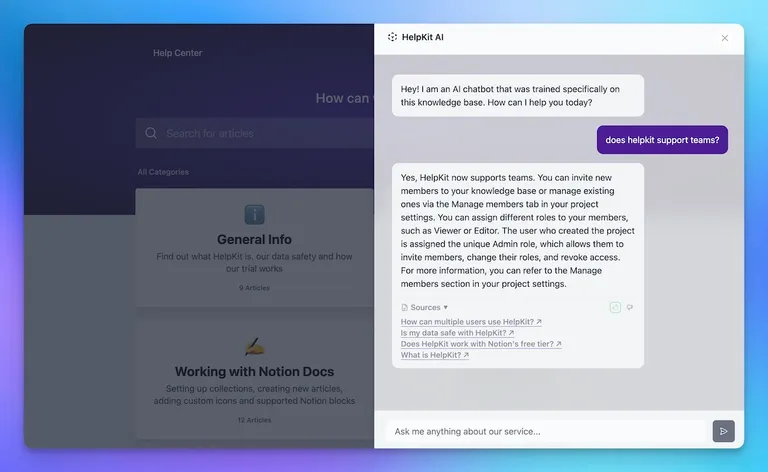
HelpKit AI indexes your Notion content using OpenAI™. When a user asks a question, it finds and combines information from within your knowledge base to provide an semantic answer in seconds – with clickable references to the help articles where the answer came from.
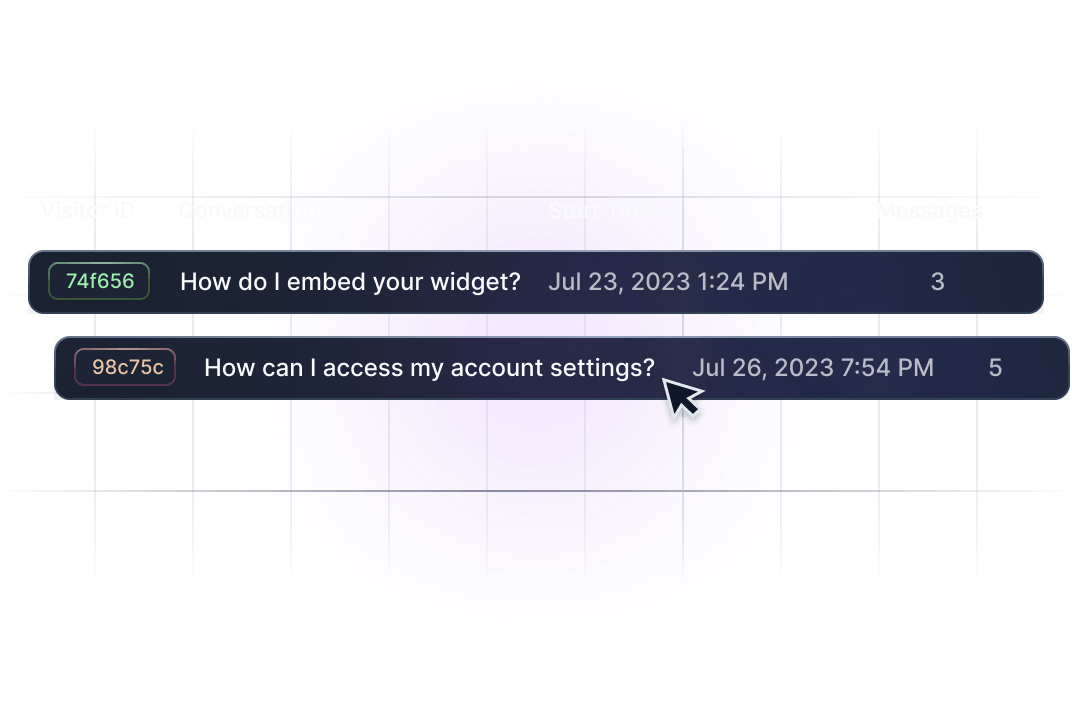
Get smart usage insights
Learn what your users are asking, how your AI bot replies, and how satisfied they are with the answers.
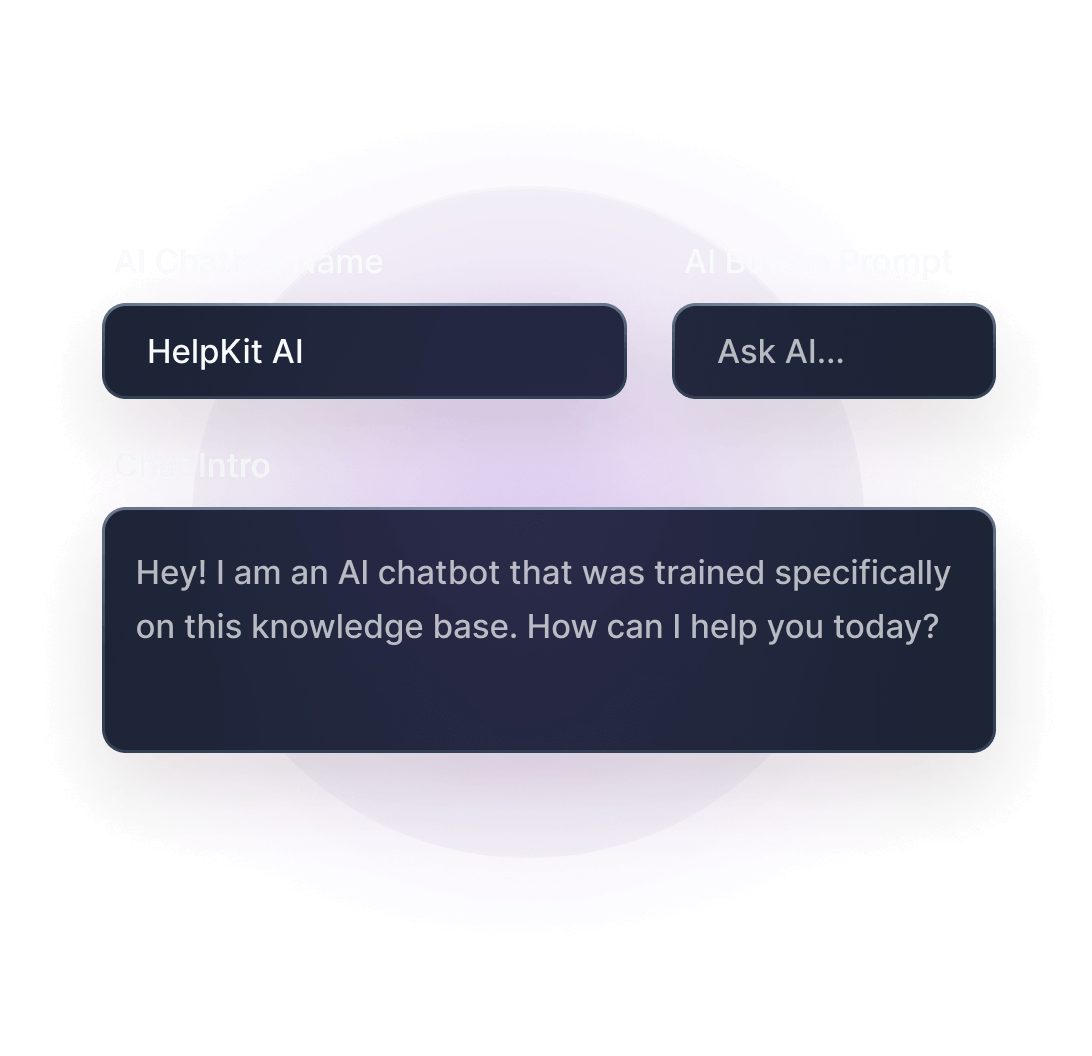
Customizable
Customize the language and behavior of your AI chatbot so that it perfectly fits your brand.
Carefully crafted user interface for your knowledge base layout
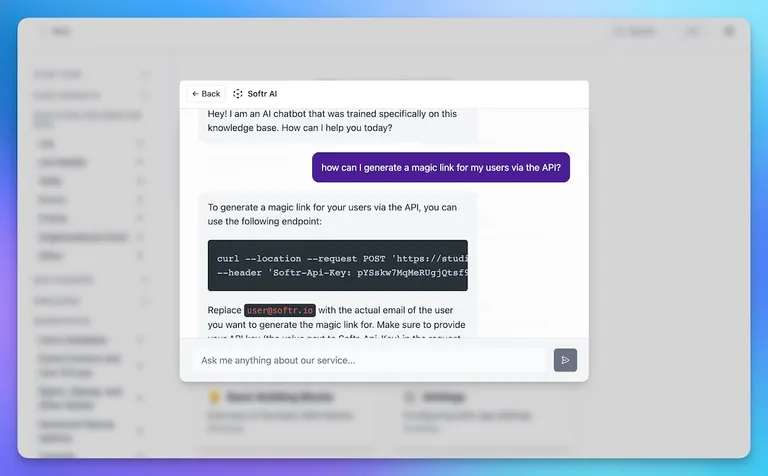
Depending on your selected knowledge base layout the AI chatbot experience will look slightly different. Choose between a slide-over from the right on the help center layout or a search commando bar on the documentation layout. Optimized for both mobile and widget as well.
Don't take our word for it.



The AI-powered chatbot assistant that pays for itself
Meet the HelpKit AI Chatbot, the relentless worker that’s always on, 24/7. While we all need our coffee breaks and weekends off, this chatbot is the night owl and the early bird, all rolled into one.
HelpKit AI Chatbot 7 Day Free Trial
A chatbot add-on trained on your company's knowledge base. It can draw answers from your help articles and respond to your customers in a human-like helpful and engaging way.
What’s included
- ChatGPT™ like chatbot custom trained on your knowledge base
- Works on your knowledge base site and embeddable widget
- Customizable chatbot UI
- 100x cheaper than customer support
Your AI support assistant for only
+$49 / m
HelpKit AI is an add-on feature that can be added to any of our subscription plans.
Free 7 day trial. No credit card required.
Frequently asked questions
You have questions? We have the answers. Can’t find the answer you’re looking for? Reach out and ask
- What is Helpkit AI and how do I activate it?
- HelpKit AI is an add-on that can be added to any of our subscription plans. You can activate it via your HelpKit dashboard. After activation, HelpKit will display an "Ask AI..." button as soon as your users start using the search bar on your site. When they click on the button, HelpKit presents a chatbot interface that can answer their questions. Learn more →
- How does HelpKit AI generate a response to a user's question?
- After you have initially trained your knowledge base on our AI, HelpKit indexes your content whenever you sync using OpenAI™. When a user asks a question, it finds and combines information from within your knowledge base to provide an answer. It doesn’t use content from anywhere else to form its answers.
- Is it 100% accurate?
- Given the nature of AI and quite frankly similar to us humans, please note that we can't assure you that every solution will be 100% accurate. We are constantly tweaking our AI model so that we can assure maximum possible answer accuracy.
- Which model does HelpKit AI use?
- Answer generation runs on the latest OpenAI™ model series, paired with our own retrieval and prompting layer built specifically for HelpKit knowledge bases. The model is only half of it: how your content is chunked, ranked and framed before it ever reaches the model is what decides whether an answer is right, and that part is ours. We upgrade the underlying model as better ones ship, so you are never left on outdated technology.
- Can I see what questions users are asking?
- Yes, HelpKit AI offers an insights dashboard where you can learn about what your users are asking, how they are asking, and how satisfied they are with the answers.
- How does HelpKit AI handle my data?
- We use the OpenAI™ API to pass your content to OpenAI to index and process data. OpenAI does not use this content for service improvements (including model training). You can find out more about how OpenAI handles data here.
HelpKit MCP
Your knowledge base, in every AI tool your team uses
HelpKit AI answers the people reading your help center. The HelpKit MCP server hands the same knowledge base to the assistants your team already uses, so Claude, ChatGPT, Cursor or Codex can search your articles, answer from them, and draft the ones you are missing.
Every question HelpKit AI could not answer becomes a gap your own agent can go and fill.
See the MCP server →Your Notion knowledge base
Read, draft and update articles, unpublished until you approve

Your HelpKit data
Search insights, article feedback and help center analytics