There are exactly three ways to get Notion content onto your own domain in 2026: buy Notion's custom domain add-on for your published site, publish through a tool that includes a domain (plus search, branding, and analytics), or wire up a reverse proxy yourself. Which one is right depends on what the site needs to do beyond having your name on it.
Here are all three, with the trade-offs.
Why the default URL is a problem
Publish a Notion page and it lives at yourworkspace.notion.site/your-page. That URL works, but it costs you three things: credibility (customers notice you didn't set up a real domain), ownership (every link and every bit of SEO authority you build accrues to notion.site, not to you), and continuity (change tools later and all your links break).
For anything customer-facing, your own domain isn't cosmetic. It's infrastructure.
Option 1: Notion's custom domain add-on
Notion offers a custom domain as a paid add-on for published sites on paid plans. You buy the add-on, connect the domain, and your published Notion site answers on it.
Choose this when you want exactly what raw Notion publishing gives you (a fast, always-in-sync public page) with your name on the door, and nothing more.
Know the limits: the page still looks like Notion, there's still no site search for visitors, no password protection, no analytics beyond what Google Analytics integration tells you, and Notion's own docs note that indexing can take up to four weeks. The domain fixes the URL; it doesn't change what the site can do. Our publishing guide covers those gaps in detail.
Option 2: publish through a tool that includes your domain
Notion publishing tools connect your workspace and serve your content on your domain with SSL, typically within one plan price rather than as an add-on. The right one depends on what you're building:
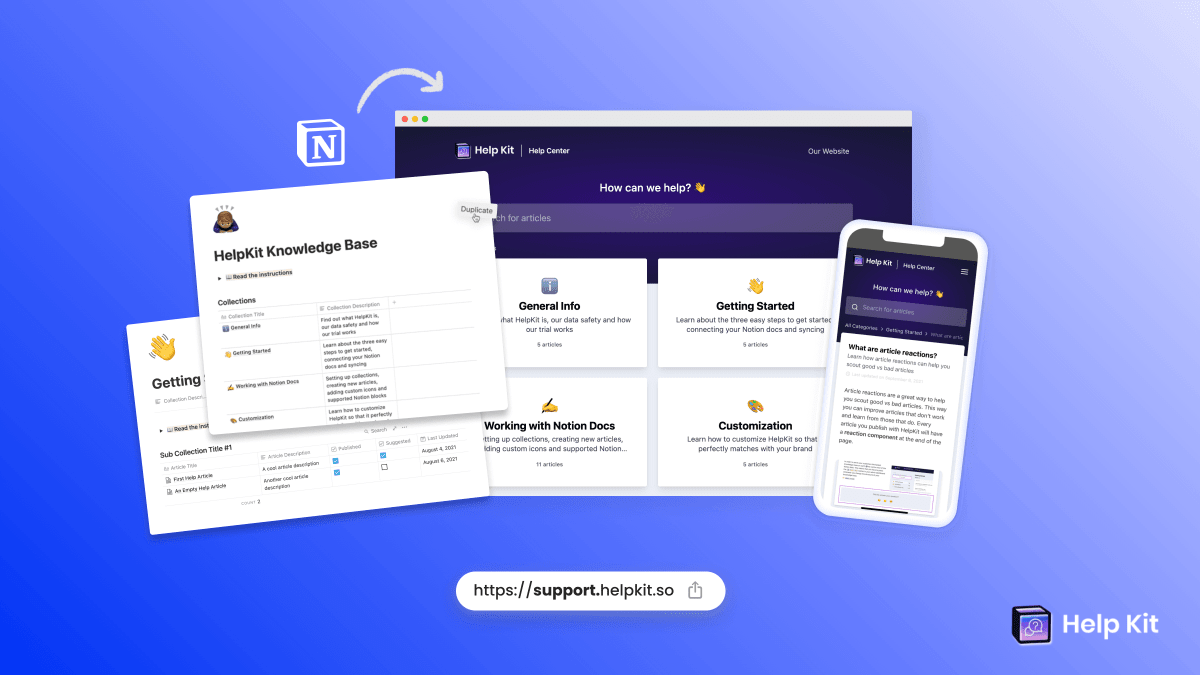
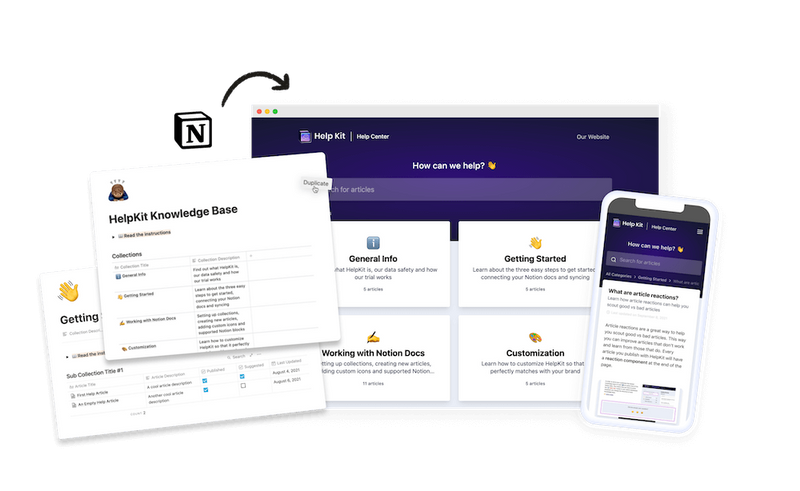
Help center or documentation → HelpKit. HelpKit puts your Notion docs on help.yourdomain.com (or any domain you choose) and adds what a support site actually needs: structured categories, full-text search, AI answers, an embeddable widget, analytics with failed-search tracking, llms.txt for AI-assistant visibility, and protected access when content shouldn't be public. Setup runs about 15 minutes. See it at helpkit.so.

Marketing site, portfolio, or blog → a Notion website builder. Tools like Super, Bullet, or Potion serve general websites from Notion on your domain with design control. We compared them in the best Notion help center tools from the docs angle, but for a landing page or portfolio they're the right category.
Choose this when the site has a job: answering customers, documenting a product, teaching users. You get the domain and the functionality gap closed in one move, usually for a similar monthly cost to stacking Notion's paid plan with the domain add-on.
Option 3: the DIY reverse proxy
The technical crowd's classic: run a reverse proxy (commonly a Cloudflare Worker) that serves your Notion page's content from your own domain, often with scripts rewriting links and injecting meta tags.
Choose this when you enjoy this kind of project, the site is low-stakes, and you're comfortable debugging it when something shifts.
Know the limits: you're maintaining infrastructure against an interface you don't control. Notion changes something internal and your site breaks on a Tuesday. There's no support to call, SEO metadata needs manual injection, and features like search or access control remain yours to build. What starts as a free alternative tends to cost its savings in maintenance evenings.
Side-by-side
| Notion add-on | Publishing tool (e.g. HelpKit) | DIY reverse proxy | |
|---|---|---|---|
| Your domain + SSL | Yes (paid add-on) | Yes, included | Yes, self-managed |
| Setup effort | Minutes | ~15 minutes | Hours, ongoing |
| Custom branding | Site customization options | Full theming | Whatever you build |
| Visitor search | No | Full-text + AI | Build it yourself |
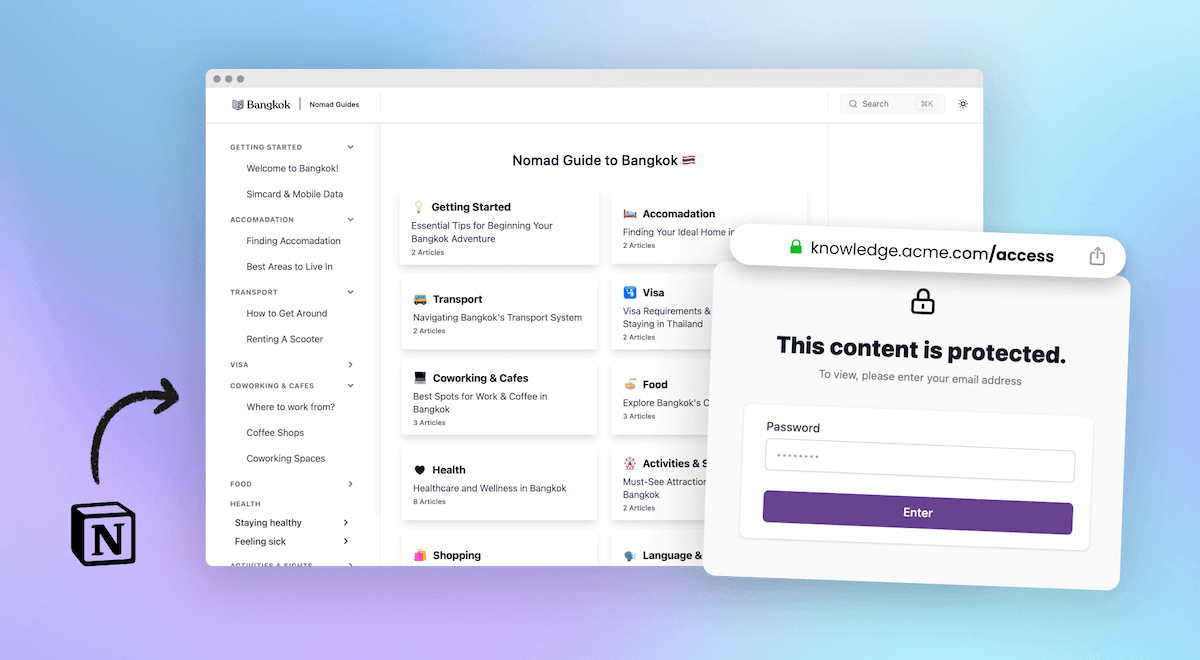
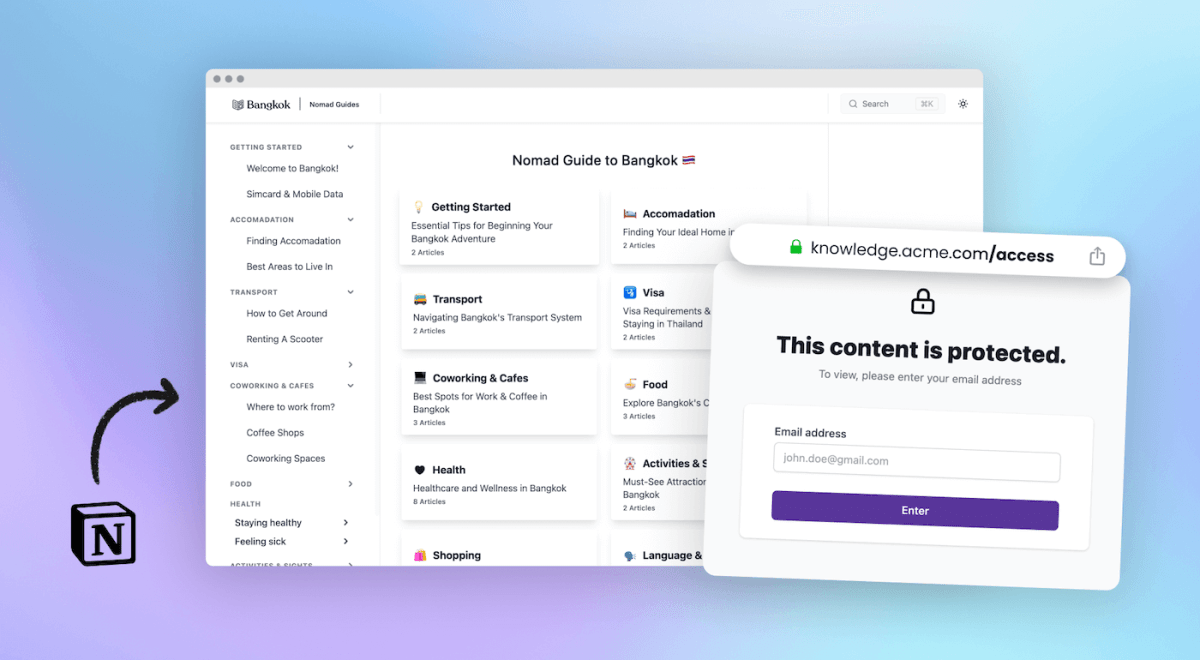
| Password/JWT protection | No | Yes | Build it yourself |
| Analytics & failed searches | GA integration only | Built in | Build it yourself |
| Breaks when Notion changes | No | No (maintained for you) | Eventually, yes |
| Best for | Simple public pages | Help centers, docs, portals | Tinkerers |
The decision in one paragraph
If the page is simple and public, buy Notion's add-on and be done. If the site does a job (support, documentation, client portals, internal handbooks), use a publishing tool: the domain comes included and the functionality gap closes with it. And if you're reaching for the reverse proxy, make sure it's because you want the project, not because it looked free.
Frequently asked questions
Can I connect a custom domain to Notion for free? Not through Notion; the custom domain is a paid add-on on paid plans. The reverse-proxy route avoids paying Notion but costs setup time and permanent maintenance. Publishing tools include the domain in their plan price.
Can I use a subdomain like help.mycompany.com? Yes, all three options support subdomains. A subdomain like help. or docs. is the standard pattern for support content, and it keeps your main domain's setup untouched.
Does a custom domain improve SEO? It means the authority your content earns belongs to your domain instead of notion.site, and it survives tool changes. Publishing tools add the rest of the SEO layer: proper meta tags, sitemaps, fast loading, and in HelpKit's case llms.txt so AI assistants can cite you.
What happens to my domain if I switch tools later? That's the point of owning it: your links keep working because you point the domain somewhere new. Content published only on notion.site has no such exit; every shared link dies with the move.

Lena Martinez Support Content Editor
Lena writes about help centers, product documentation and customer self-service. She covers how support teams structure knowledge, what makes an article get read, and where documentation tools actually differ.