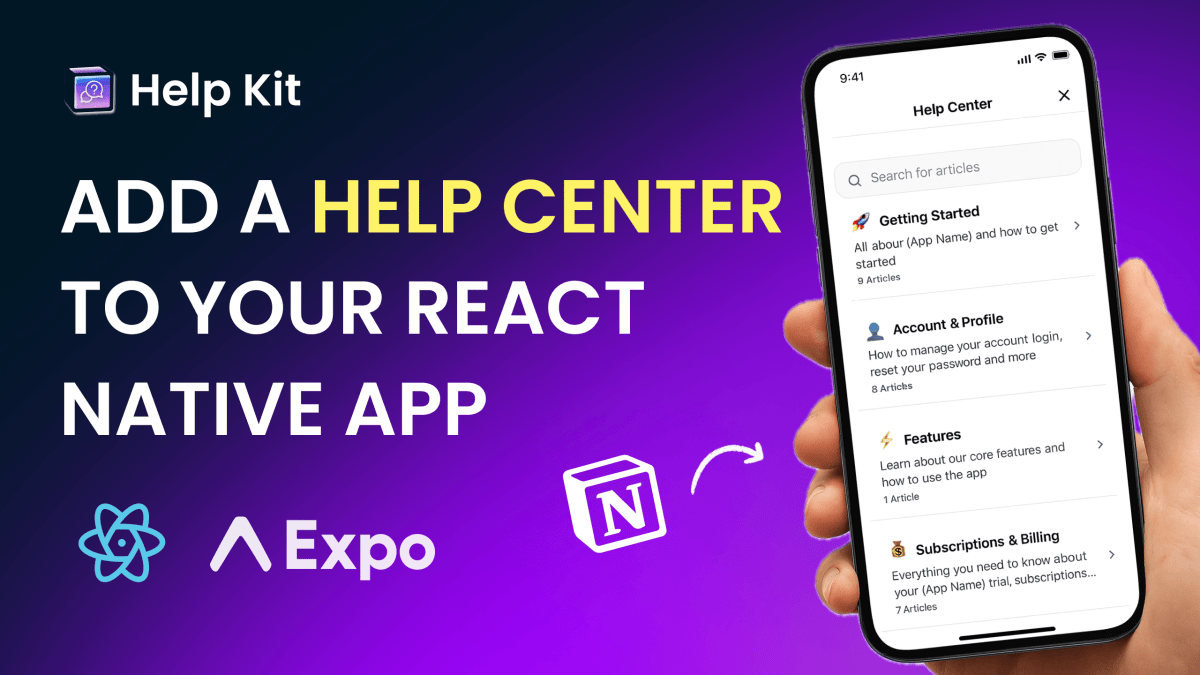
Search Google for site:notion.site "help center" and you'll find thousands of companies running customer support on a raw published Notion page. If yours is one of them: it works, your content is good, and choosing Notion for docs was the right call. This post is about the six things that setup quietly costs you, and the fifteen-minute fix that keeps everything you like about it.
First: what you got right
Writing your help center in Notion was the smart part. Your team edits without a CMS, content stays current because updating is trivial, and publishing took three clicks. Companies with dedicated docs teams struggle to keep documentation as fresh as a well-tended Notion workspace does naturally.
The problem isn't the writing side. It's the reading side.
The six costs of the raw notion.site link
1. The URL tells customers you're not done
yourcompany.notion.site/Help-Center-4f3a9... reads like a draft. Customers notice, the same way they'd notice a yourcompany.wixsite.com address. For a product asking people to pay monthly, the support hub is part of the product surface, and this one says "temporary."
2. Visitors can't really search
A published Notion page gives readers your page hierarchy and their patience. There's no search box that spans your articles, tolerates typos, or matches "invoice" to your "billing" page. Since most help center visitors arrive with a specific question, no search means most visitors browse, give up, and email you, which is the outcome the help center was supposed to prevent.
3. Your SEO belongs to Notion
Every customer question your articles answer is a Google query someone types. But the authority those pages earn accrues to notion.site, not to your domain, and Notion's own docs note published pages can take up to four weeks to index at all. Your best support content is building someone else's domain.
4. You're invisible to AI assistants
Customers increasingly ask ChatGPT and Claude before they ask you. Assistants cite content they can crawl and parse cleanly, and a structured help center with llms.txt gets quoted; a raw Notion page mostly doesn't. That gap widens every month as more support questions start in a chat window.
5. You can't see what's failing
Which articles get read? What do visitors search for and not find? Where do they give up? A published Notion page tells you none of it, so improving your help center means guessing. The searches that return nothing are the exact list of articles you should write next, and right now that list is invisible to you.
6. Contributor emails are on display
The metadata of a published Notion page includes the names, profile photos, and email addresses of the people who edited it. Most teams discover this after their whole support team's work emails are quietly discoverable on a public page. Our publishing guide covers this and the other publish-flow surprises.
The fix keeps your workflow
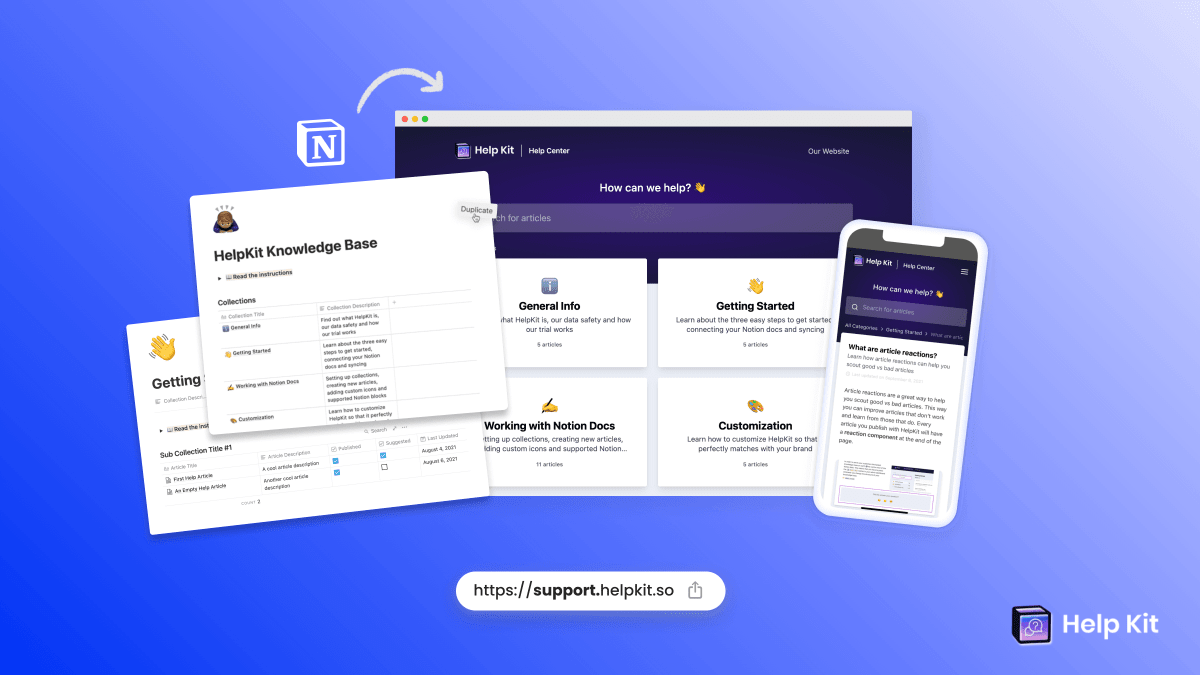
Here's the part that matters: fixing all six doesn't mean leaving Notion, migrating content, or changing how your team writes. A publishing layer like HelpKit connects to the same Notion pages you have today and serves them as a proper help center:
- Your domain (
help.yourcompany.com), your branding, SSL included - Full-text search plus AI answers trained on your articles
- Structured categories instead of a page tree
- Analytics with failed-search tracking
- Clean markup and llms.txt, so both Google and AI assistants can find and cite you
- An embeddable widget for in-product help
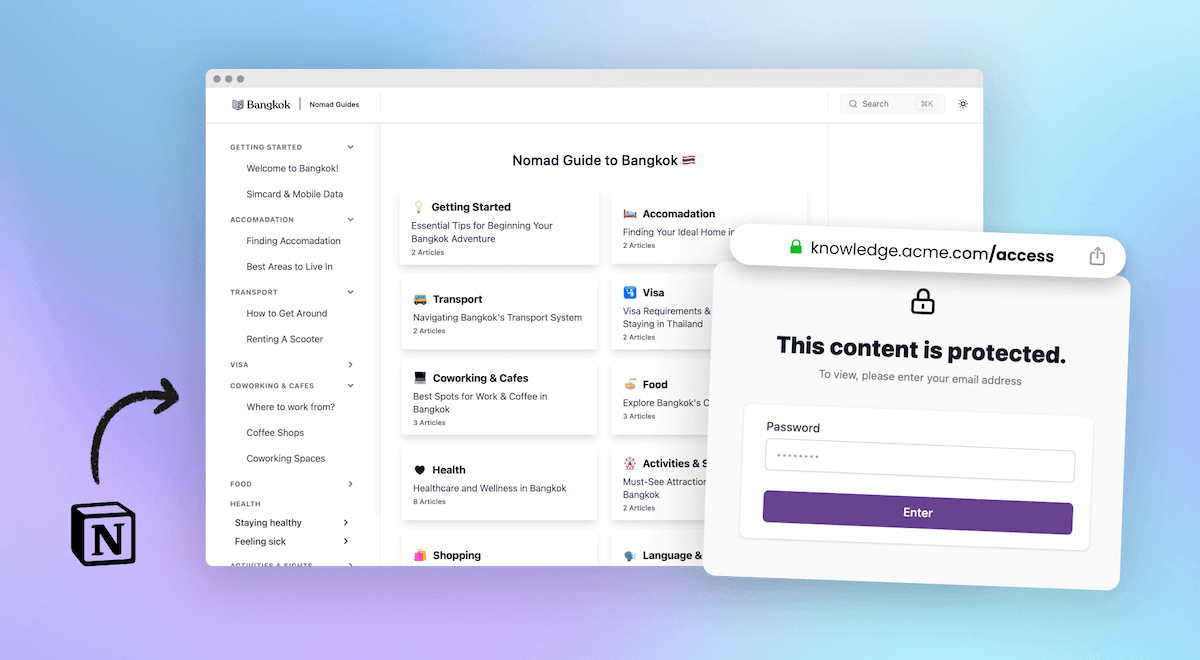
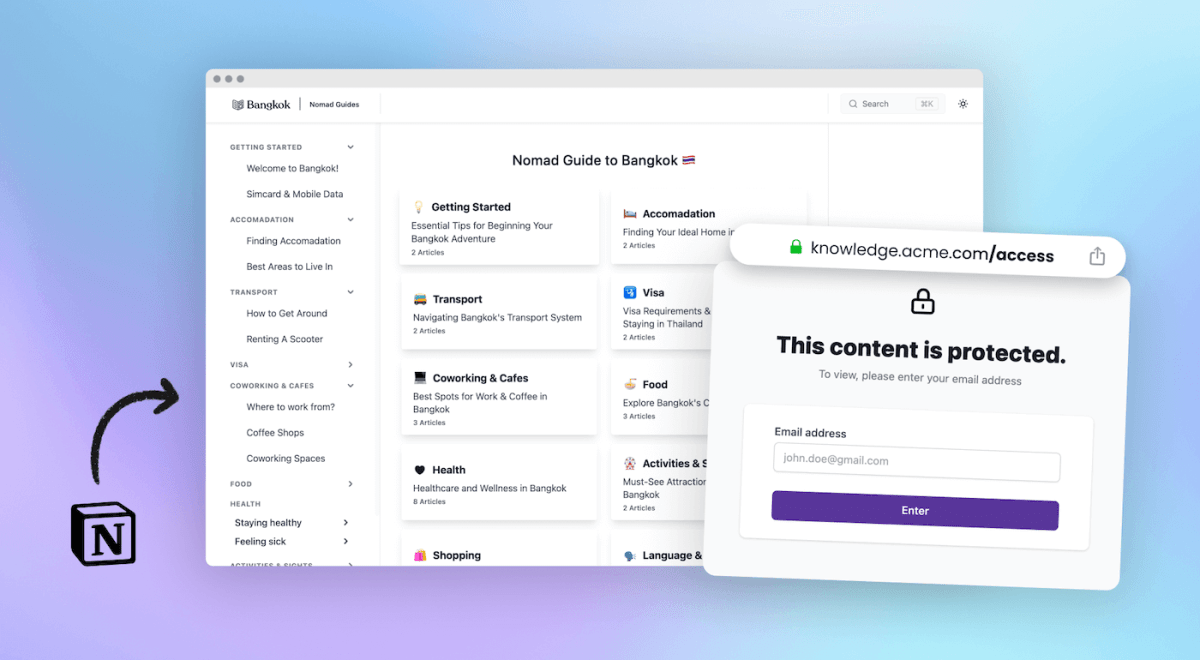
- Protected access if parts shouldn't be public
Your team keeps writing exactly where they write now. The published site upgrades; the workflow doesn't change. Setup genuinely takes about 15 minutes because the content already exists: connect the workspace, pick your branding, point your domain.
A 60-second audit for your current setup
Run your notion.site help center through these:
- Would you put the URL on a sales deck slide?
- Can a visitor search all your articles from one box?
- If a customer googles their question, does your domain rank for the answer?
- Ask ChatGPT a question your docs answer. Does it cite you?
- Do you know your top unanswered search from last month?
- Open your published page's metadata. Comfortable with what's visible?
Six yes answers: you're in rare company, carry on. Mostly no: the content you already wrote deserves better distribution, and distribution is the cheap part now.
Frequently asked questions
Do we have to migrate our content? No. The whole point of a Notion-powered help center tool is that your content stays in Notion. Connect the same workspace and pages you publish today; nothing moves, nothing is rewritten.
What happens to our existing notion.site links? Keep the page published during the transition if you like, then unpublish once your new domain is live and linked from your site and product. Update the handful of places that link the old URL, since notion.site links can't redirect.
Is this worth it for a small help center? The costs above don't depend on article count; the URL, search, and analytics gaps apply to ten articles as much as two hundred. Small help centers arguably feel the credibility gap most, because the company is still earning trust.
Which tools do this? We compared the whole category in the best Notion help center tools, including the free option of staying on Notion Sites. For help centers and documentation specifically, that comparison explains why we built HelpKit the way we did.

Lena Martinez Support Content Editor
Lena writes about help centers, product documentation and customer self-service. She covers how support teams structure knowledge, what makes an article get read, and where documentation tools actually differ.